
The Chroma Screen actor is meant to be an exact virtual representation of your physical green/blue screen. It allows for a more convenient way of working with VS as its feathering/matte is directly applied to the video projected on the Compositing Plane. This removes the need for garbage mattes or per plane feathering.
You can choose between 2 variants
-
procedurally generated geometry → Chroma Screen Parametric
-
custom geometry → Chroma Screen Mesh
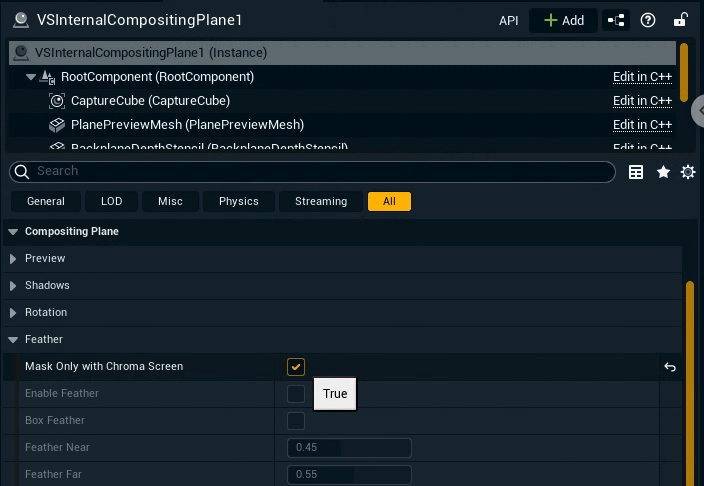
Make sure all your Compositing Planes have Mask Only with Chroma Screen set to true.
If using the Chroma Screen & Plane actor, this is set to true by default.
Chroma Screen Parametric
In most cases we recommend using this actor. It is based on a handful of parameters which autogenerate the geometry representing your green screen.
-
Add the Chroma Screen Parametric actor to the level
-
In the Chroma Screen > Generation section adjust
-
the Size
-
the Bevel
-
and which sides to render
-
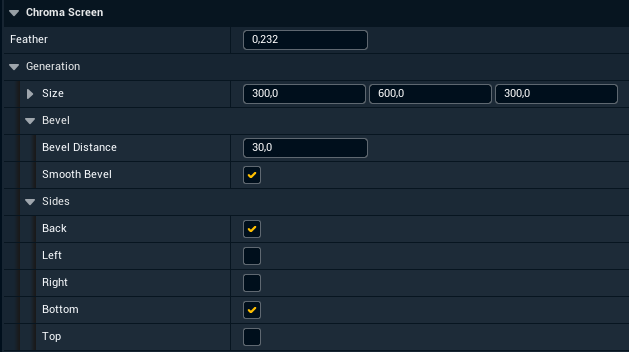
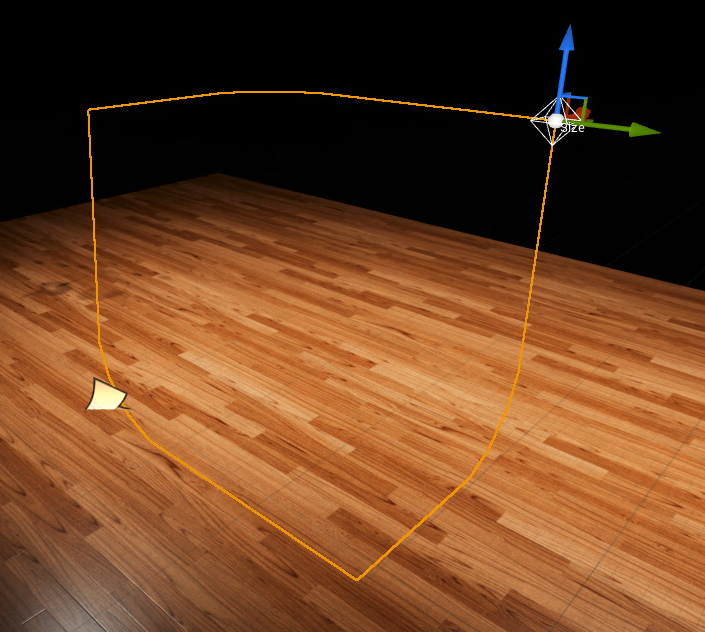
To change the size you can also move the Size handle in the scene
Chroma Screen Mesh
Choose this actor if you want to use an external 3D model of your green screen.
Inside the 3D software
Prepare mesh before import
-
Make sure it has a
-
clean geometry
-
no overlapping faces
-
no disconnected vertices
-
-
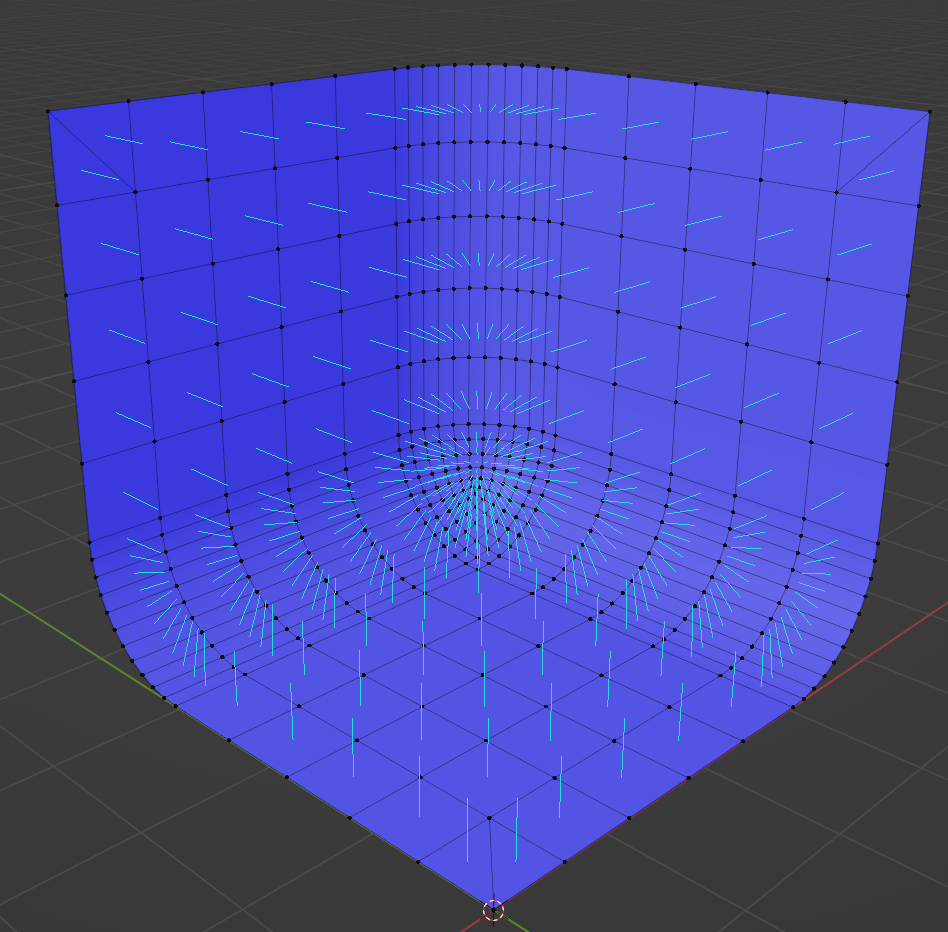
Make sure face normals are directed inwards
-
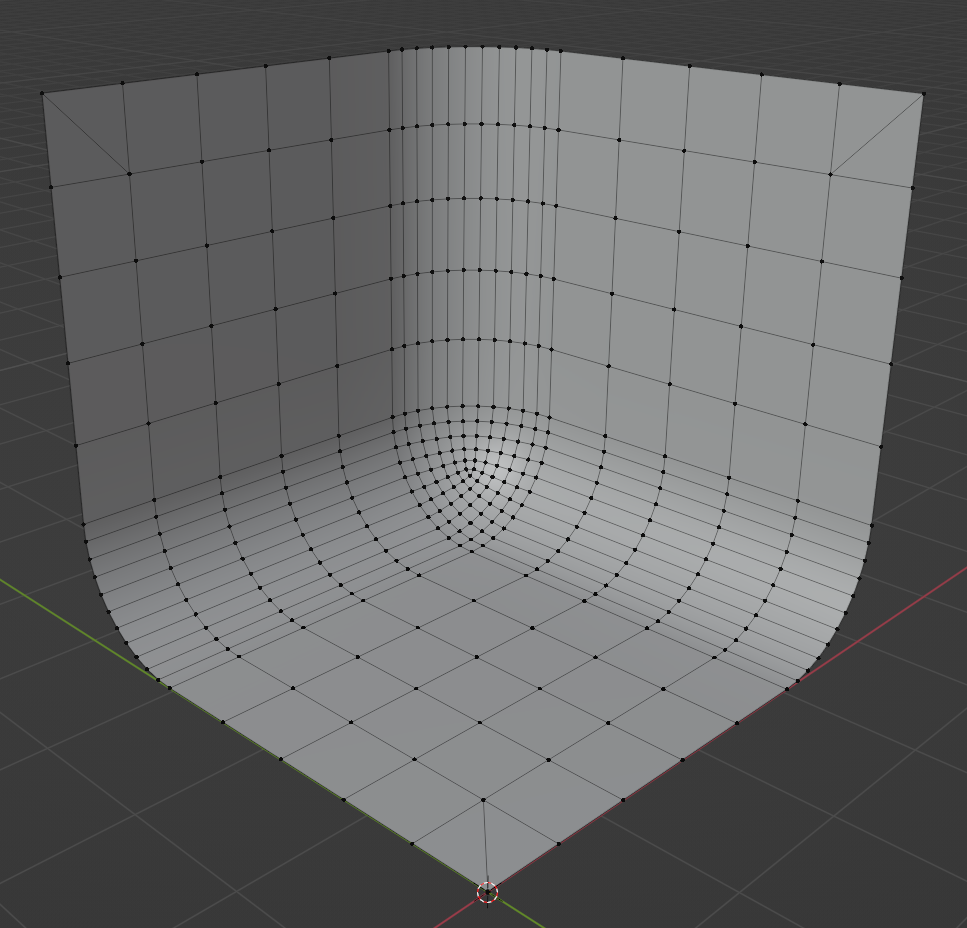
Corner triangles should follow this pattern (to achieve better feathering near the corners)


-
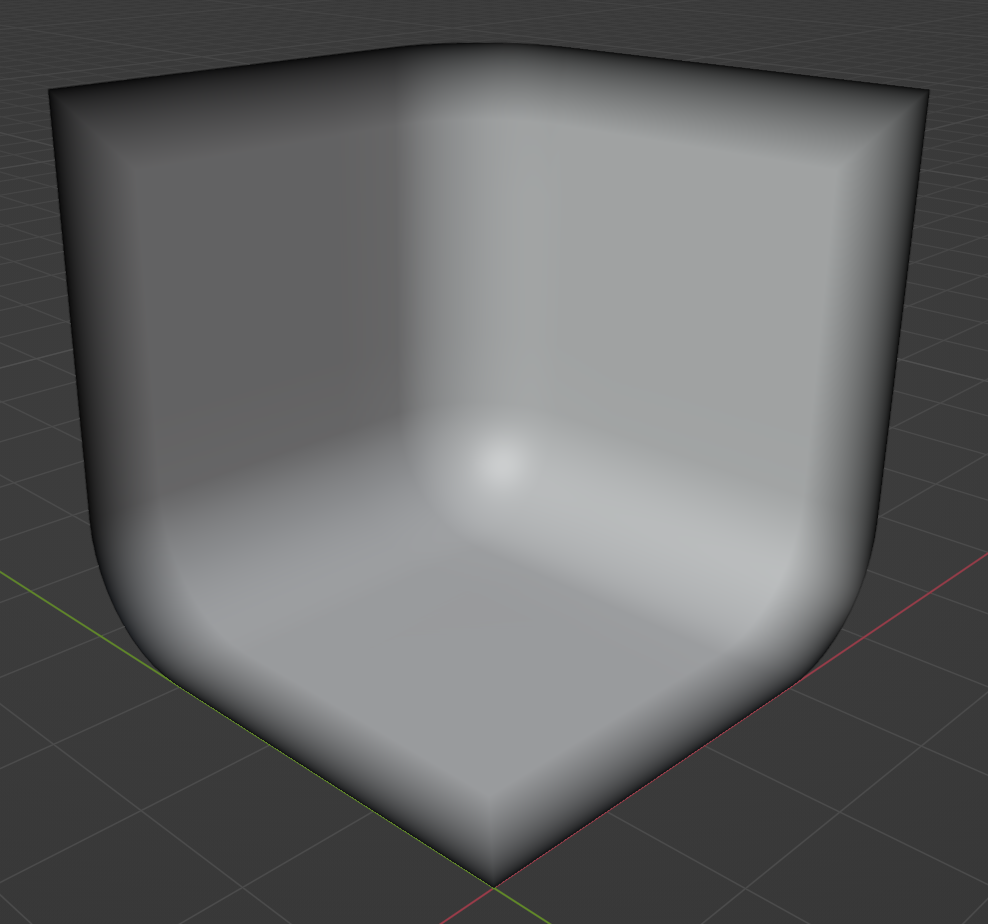
Outer vertices should be painted black, while the inner remain white (this is what defines the feathering 0-1 range)
Export mesh
-
Save the mesh as
fbx
Inside Pixotope Engine
Import mesh
-
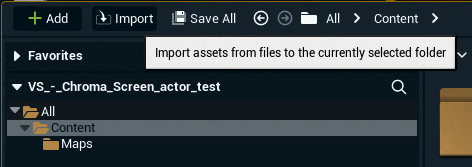
Click Import in the Content Drawer
-
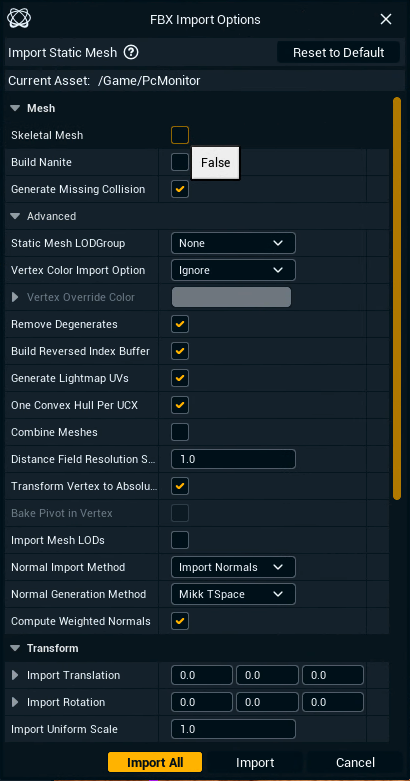
Make sure Skeletal Mesh is unselected so the mesh is imported as a StaticMesh
-
Optionally make other changes in the FBX Import Options if needed
-
Select the imported mesh on the Chroma Screen Mesh actor
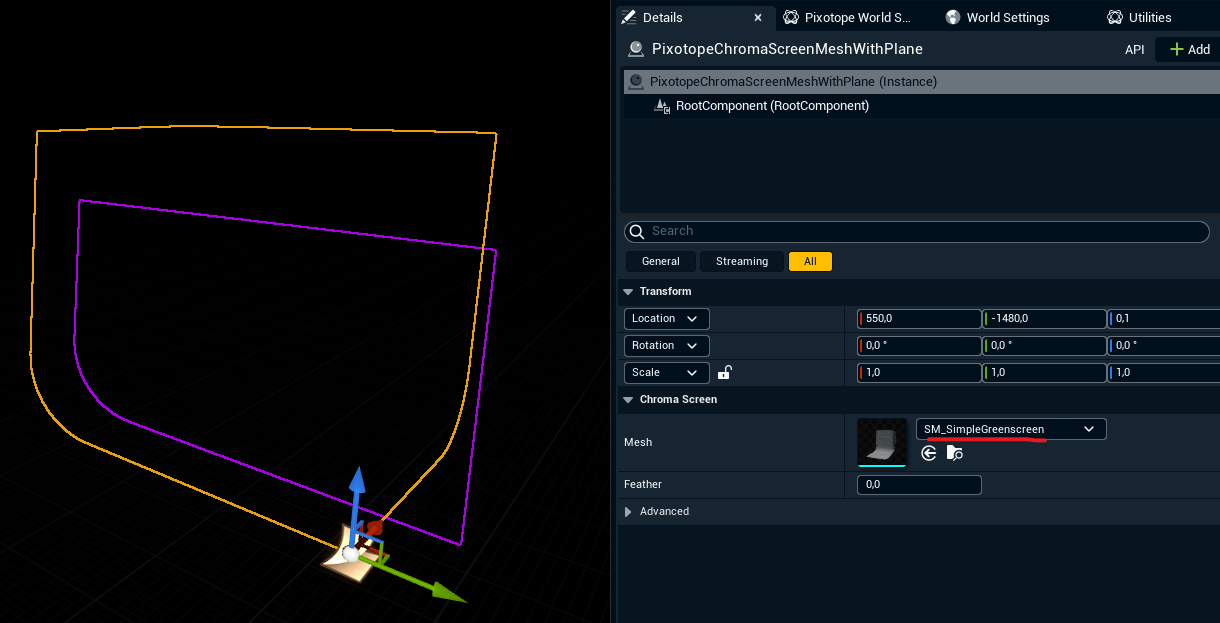
Adjust feathering
Feathering of video can be controlled from Chroma Screen actors and it will apply to the video projected on the Composing Plane.
Chroma Screen feathering control is the recommended way, but if needed you can try using the legacy per-plane feather in addition.