Pixotope Motion supports the rendering of up to 3 channels.
Set up multi-channel output
Add routing in Pixotope Director
-
Go to SETUP > Configure > Routing
-
Add two Media Outputs
-
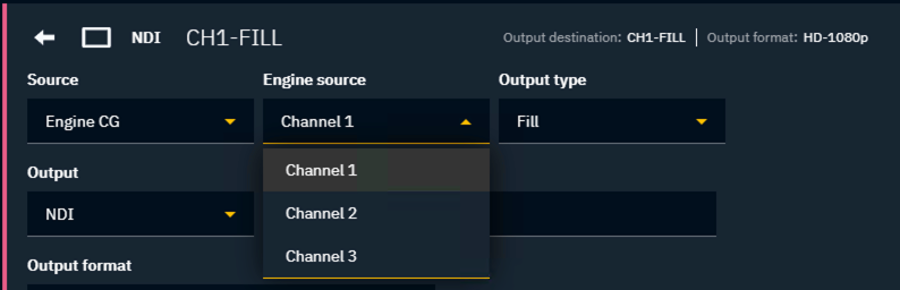
In Engine source select a new channel for each output pair
Learn more about how to Set up Director for Motion
Configure playout routing in Erizos Studio
-
Click on "Edit Profiles" in the bottom left corner
-
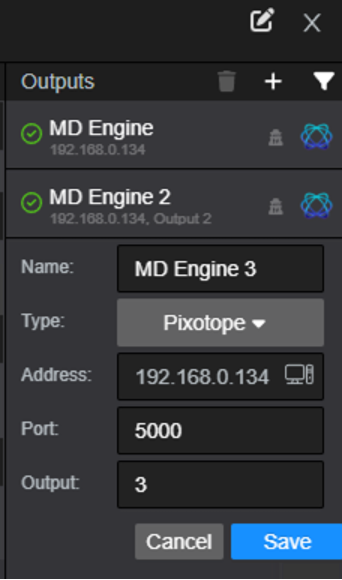
Add new Outputs aka Playout engines for all used channels
-
Keep IP address and port the same
-
Update the name and the Output number
-
-
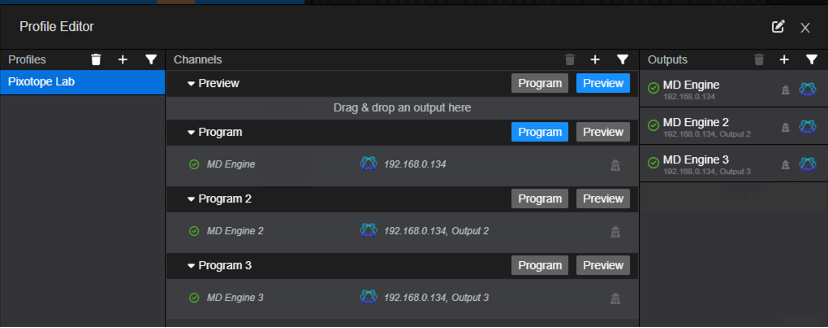
Add new playout channels, for example Program 2 and Program 3
-
Drag & drop the Engine with Output 2 and Output 3 into their corresponding channels
-
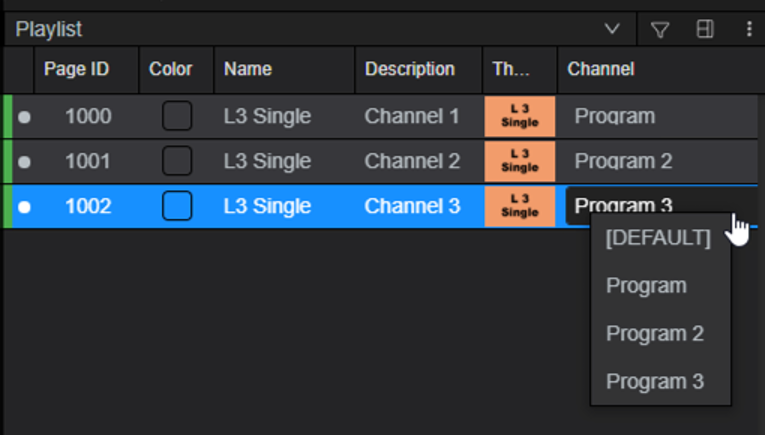
In the Playlist, select for each page which channel it will be played out on