
Pixotope Motion is the product that provides a workflow to use Unreal Engine’s Motion Design tools for traditional CG/broadcast overlay graphics.
However, several of the Motion Design tools (Cloners, Animators, etc.) are very useful when designing a regular 3D scene for AR/VS/XR.
If you are using these tools exclusively for this use case, and will not do any overlay graphics:
-
Do not use the Pixotope Motion template
-
Follow the steps below
Enable plugin and update project settings
-
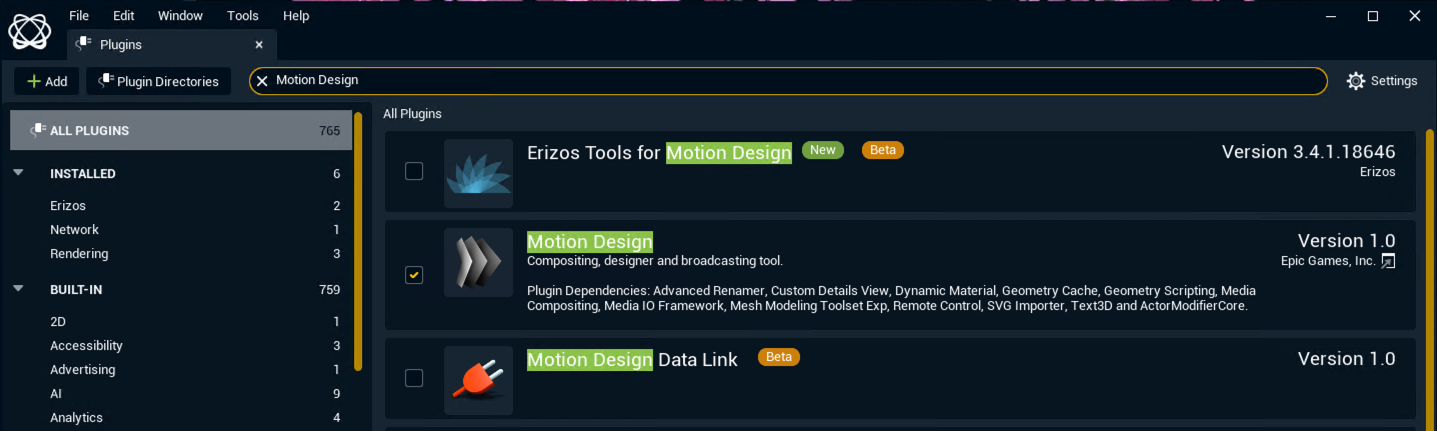
Click on Edit > Plugins in the Pixotope Editor
-
Enable the Motion Design plugin
-
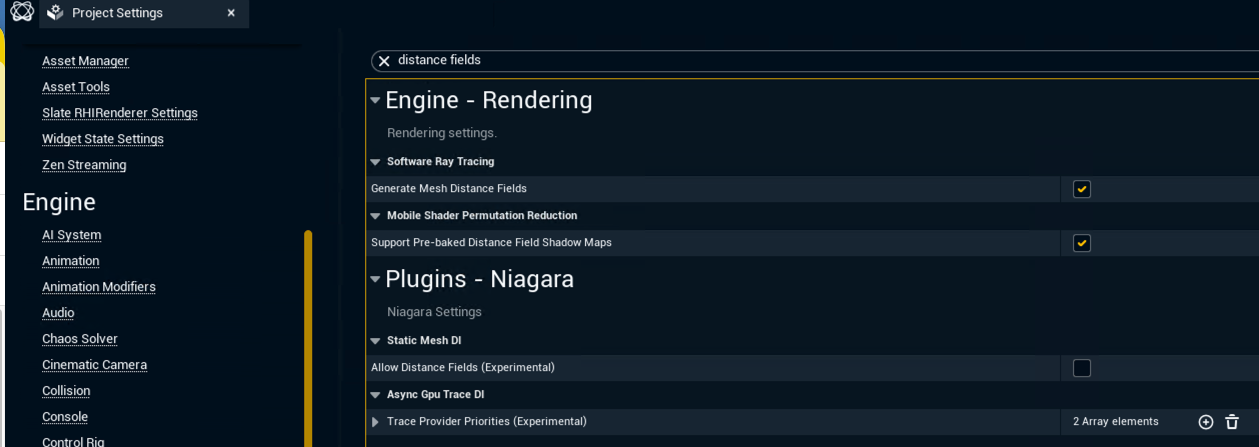
Then click on Edit > Project Settings
-
Enable Generate Mesh Distance Fields in Engine > Rendering > Software Ray Tracing
-
Restart the engine to apply all changes
-
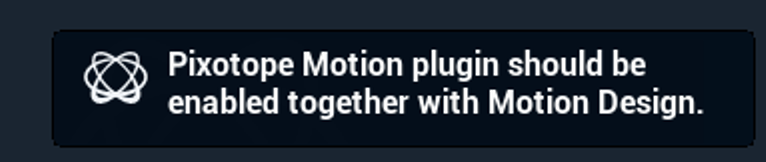
Please ignore the notification presented by the Editor
Make sure you have Forward Shading disabled and are not using the MSAA Anti-Aliasing Method as described in Choosing 3D option.
Add Motion Design actors to the scene
Now you can safely use the Motion Design Cloner actor and other Motion Design tools to your scene.
These actors will behave as regular 3D elements in the scene and are compatible with all of the Pixotope-specific AR/VS/XR compositing features.