
A holdout object prevents any 3D object from occluding the video backplate in the region where it is placed. The object itself is not rendered.
-
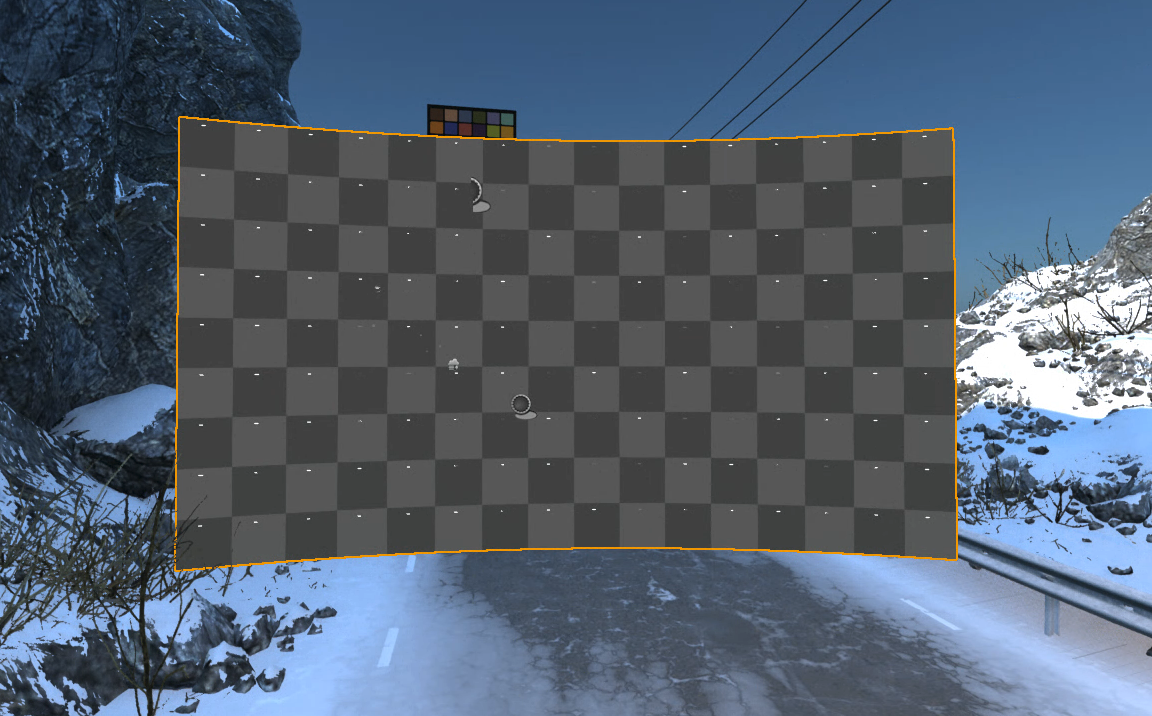
An XR holdout is automatically created per body
-
see the orange border in the above image
-
-
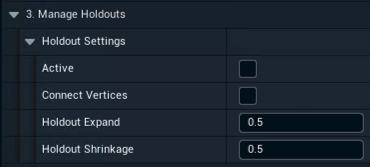
Enable it and change the holdout settings in 3. Manage Holdouts
-
Connect Vertices connects vertices to solve potential gaps
-
Holdout Expand expands each XR wall element before creating the holdout
-
Holdout Shrinkage shrinks the created holdout
-
-
Optionally change the feathering using the Holdout Params per body
Learn more about Masking and feathering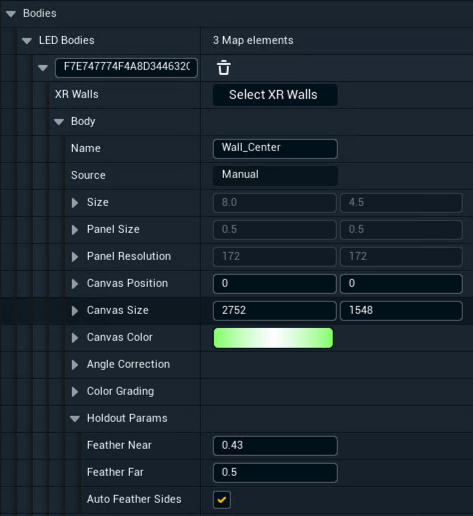
XR holdouts are not taking effect when XR is enabled.
Learn more about how to Set up a virtual set extension with translucent holdouts