
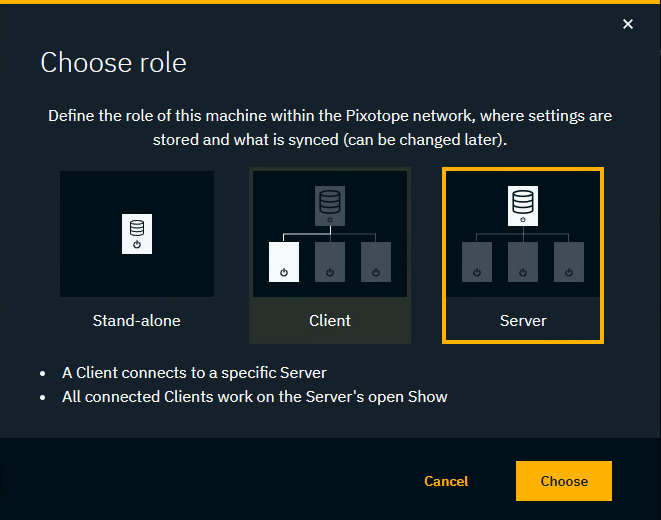
Roles are used to define the responsibility of a machine in a Pixotope network. It defines which show this machine can work on and how it functions with other machines.
-
Click "Change role"
-
Select a role and click "Choose"
-
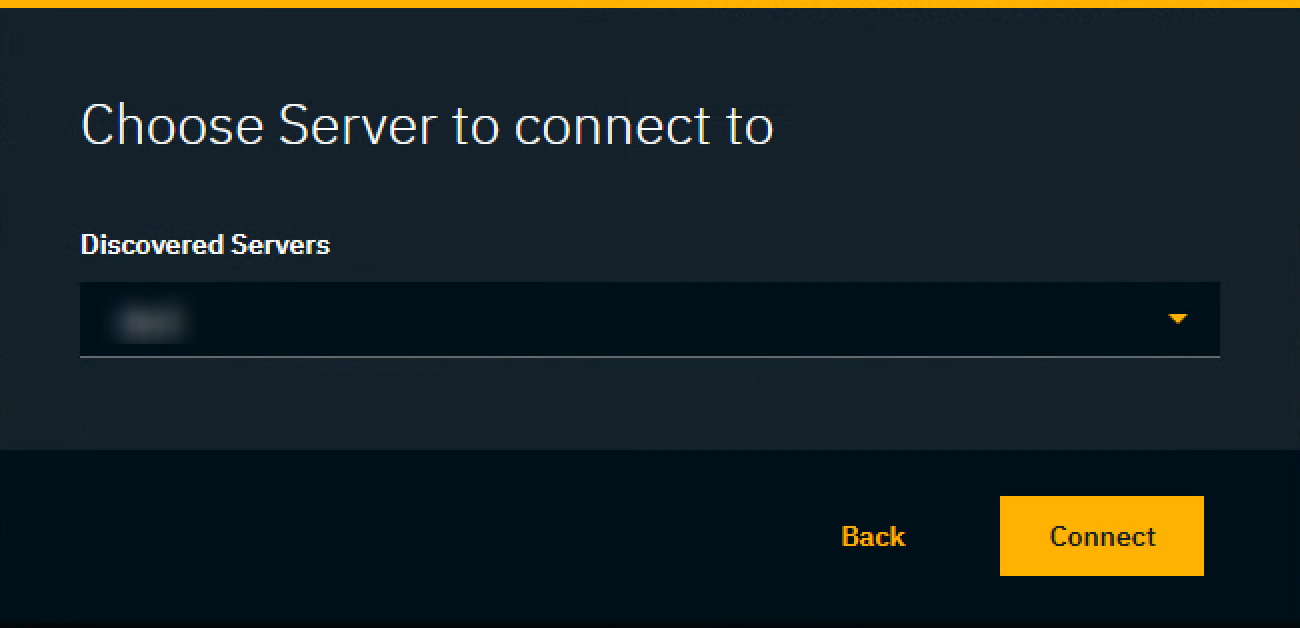
For Client: Choose a server to connect to
Learn more about Roles - Stand-alone, Client or Server
Learn more about Single- and multi-machine example setups
Lost connection to Server
.png?cb=9ae8d64e26b229aa693a1818fefdef76)
When a client loses connection to the Server, it can
-
Change its role
-
Try to ping the Server to determine if the problem is a network or a Server issue
-
If the Server machine can be pinged, the Server might have crashed and needs to be restarted
.png?cb=490759aaa9eee47cb21f785f5ee79c16)
-
Learn more about how to Use Backup Server (failover)