
Pixotope Live controller is a browser-based app for on-air graphics operation. It controls several template types from one or multiple playlists.
Learn more about Using Pixotope Live controller
Learn more about Live controller - Keyboard shortcuts
Menu
Access general actions and add panels.
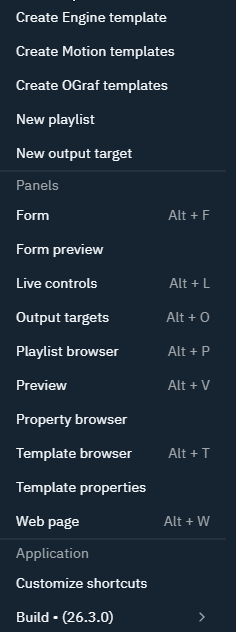
Layouts
Shows a layout browser and allows switching between and managing them.
To create your own custom panel layout
-
update the Design and/or Play panel layout
-
OR create your own panel layout
Custom panel layouts as well as update default layouts are currently stored per machine in the browser.
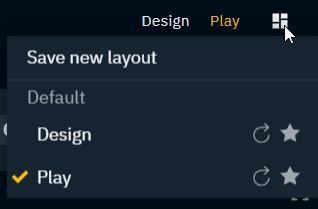
Save new layout
-
Click on "Layouts" to open the Layout browser
-
Click "Create Layout" and give it a name
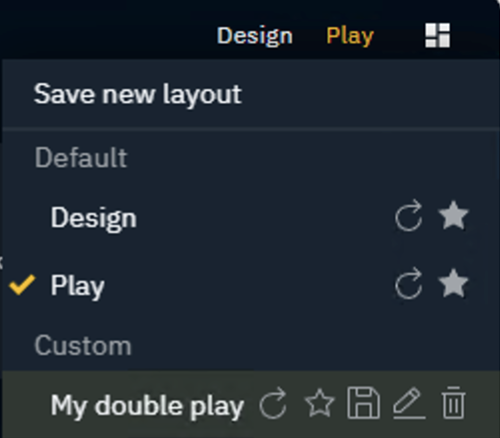
Layout states
Each layout has
-
a saved state
-
this is the state when you had last saved the layout
-
clicking the reset button brings you back to this state
-
-
unsaved state
-
this includes any changes made to the layout without saving
-
clicking the reset button discards this state
-
Reset panel layout
-
Click the Reset icon to reset the panel layout to the state when it was last saved
Expose panel layout
-
Select the Star icon for the panel layout to be shown in the top right selection
Overwrite panel layout
-
Click the Save icon to overwrite the layout with the currently visible one
Rename panel layout
-
Click the Edit icon and give it a new name and click Confirm
Status bar
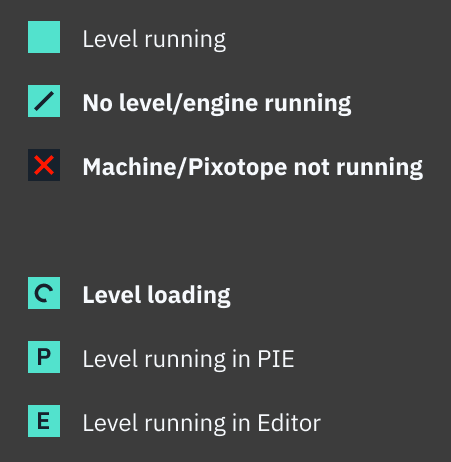
Shows the status of preview and render machines grouped by output targets.

Status legend
Panels
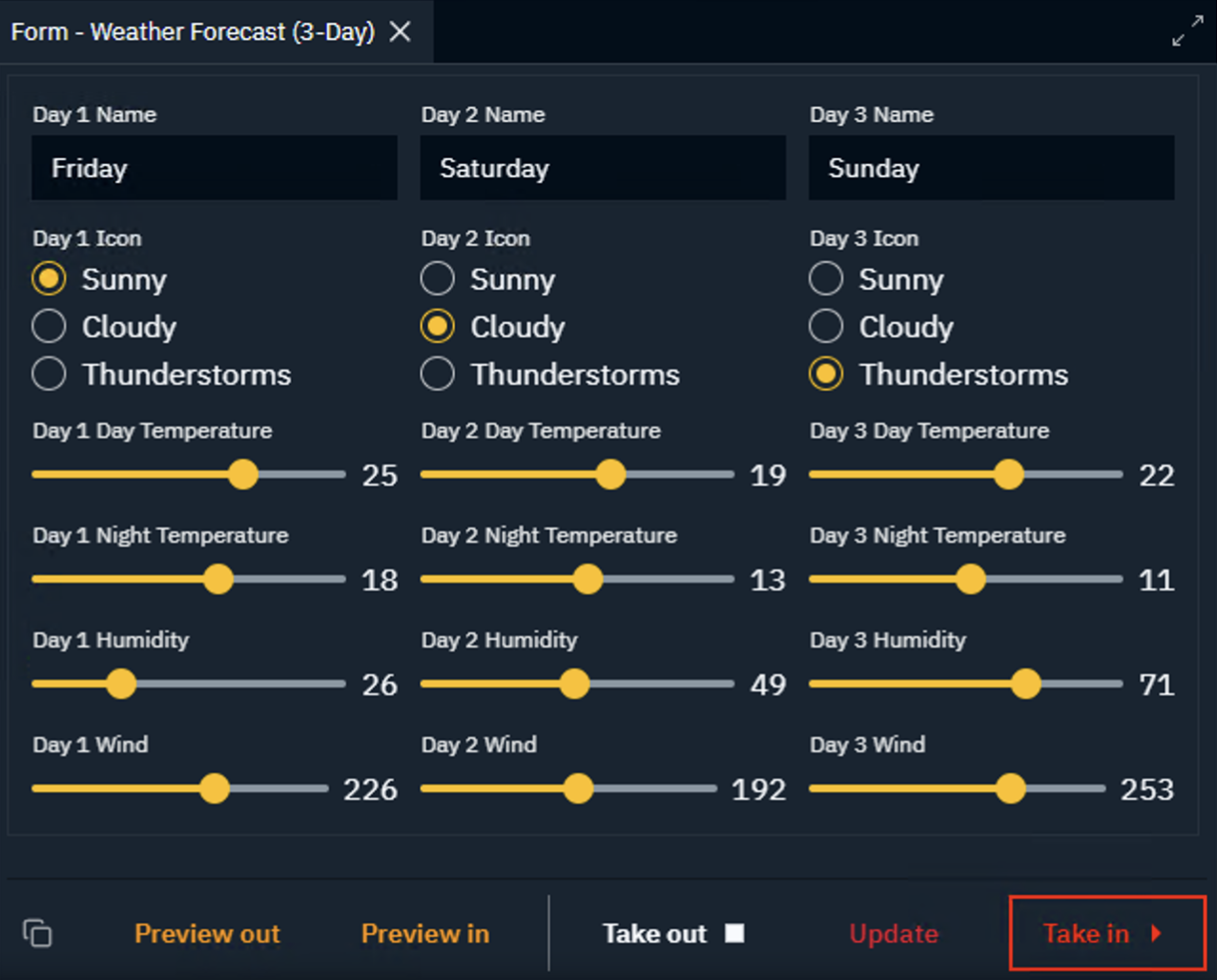
Form
Shows
-
the form of the selected instance ready to be filled out/updated
-
instance controls allowing to
-
duplicate the instance
-
Preview in/out
-
Take in/out
-
Update
-
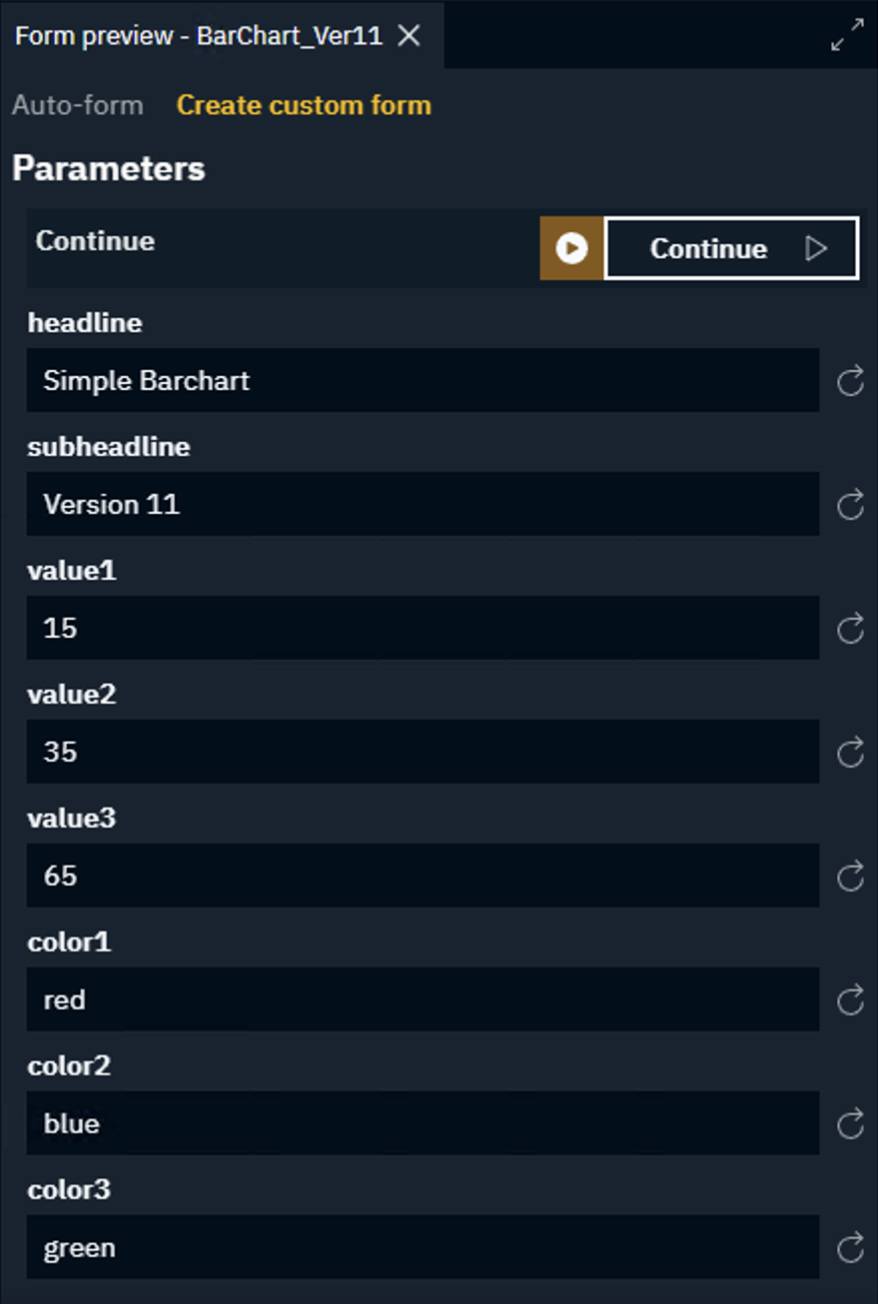
Form preview
Shows the auto-form or custom form preview of the selected template. Allows to turn an auto-form into a custom form.
Learn more about how to update a form
Learn more about Using the Form builder
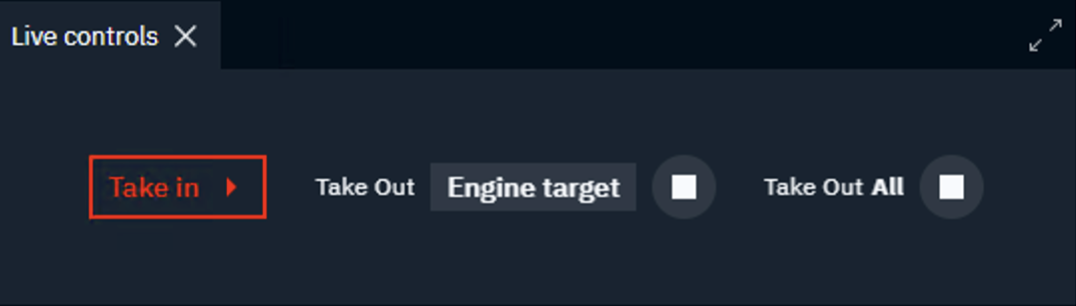
Live controls
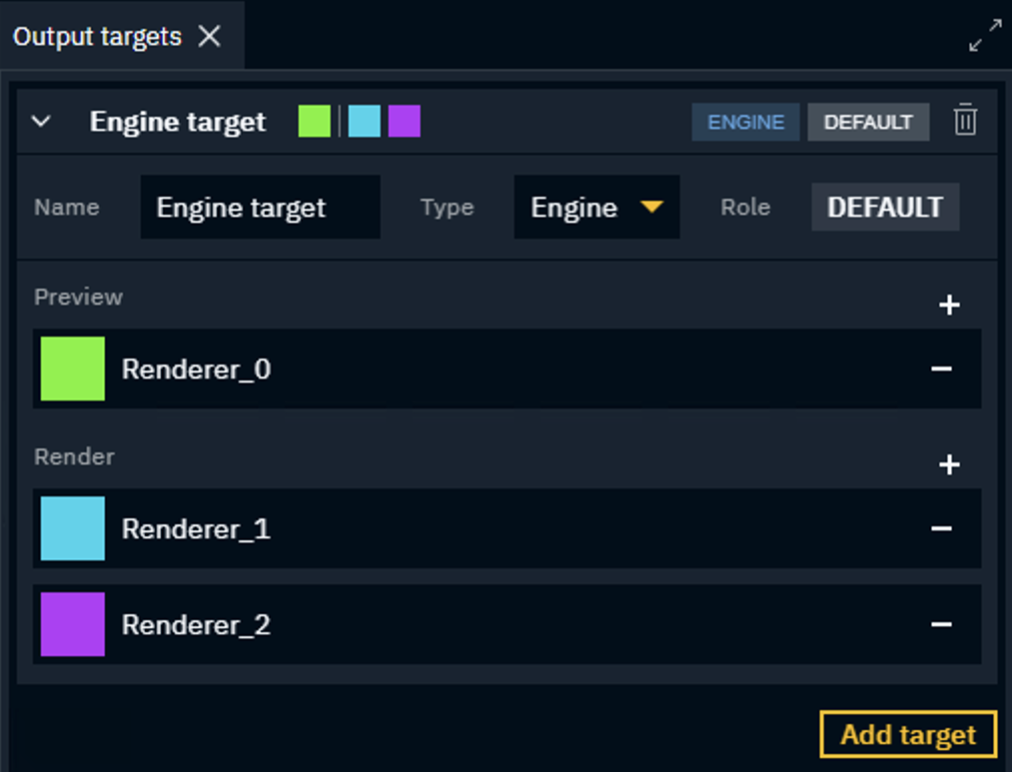
Output targets
Define output targets (preview and render machines) for the different template types.
Learn more about how to Add an output target
Playlist browser
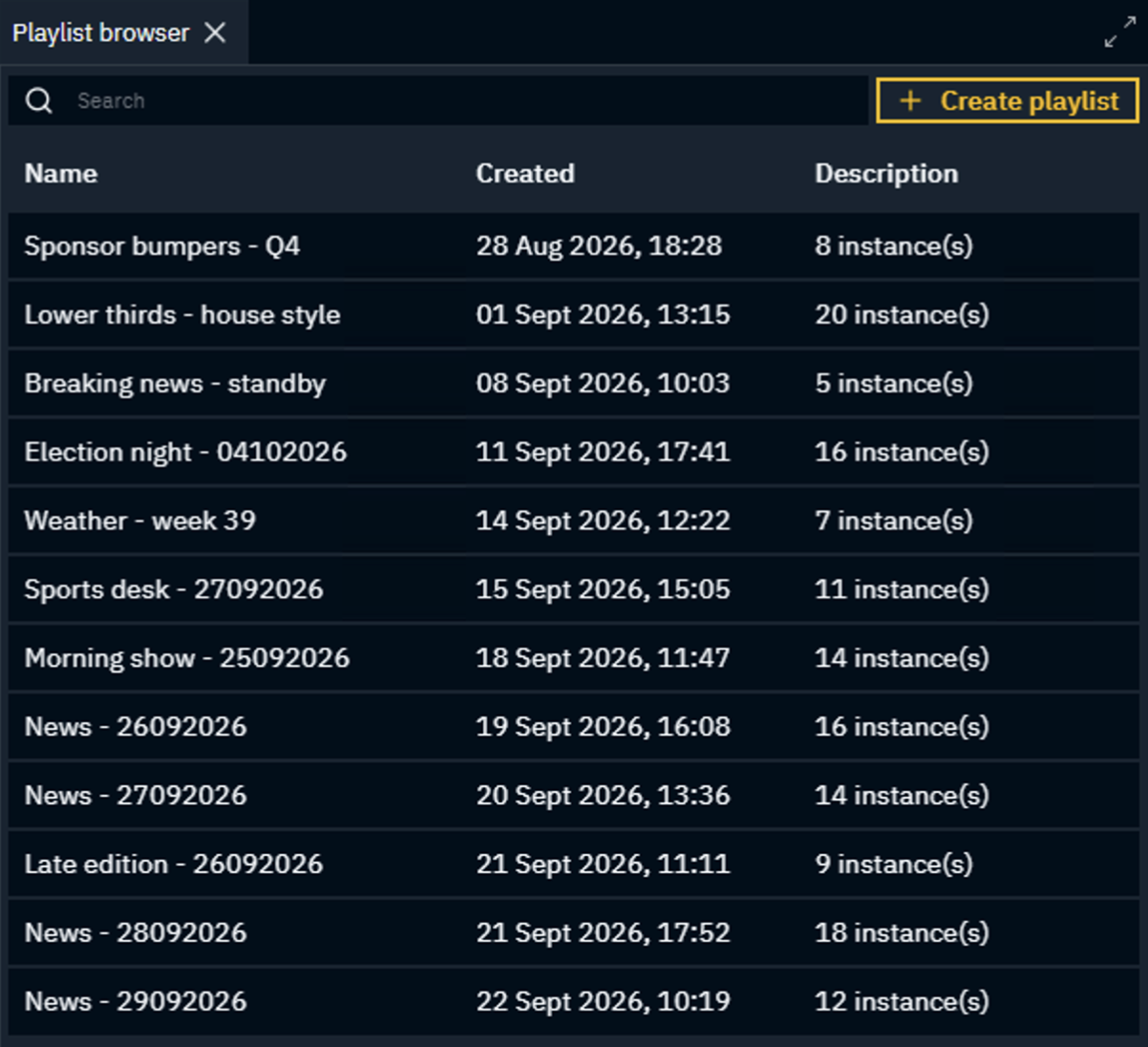
Shows the list of available playlists.
Learn more about how to create and switch between playlists
Playlist
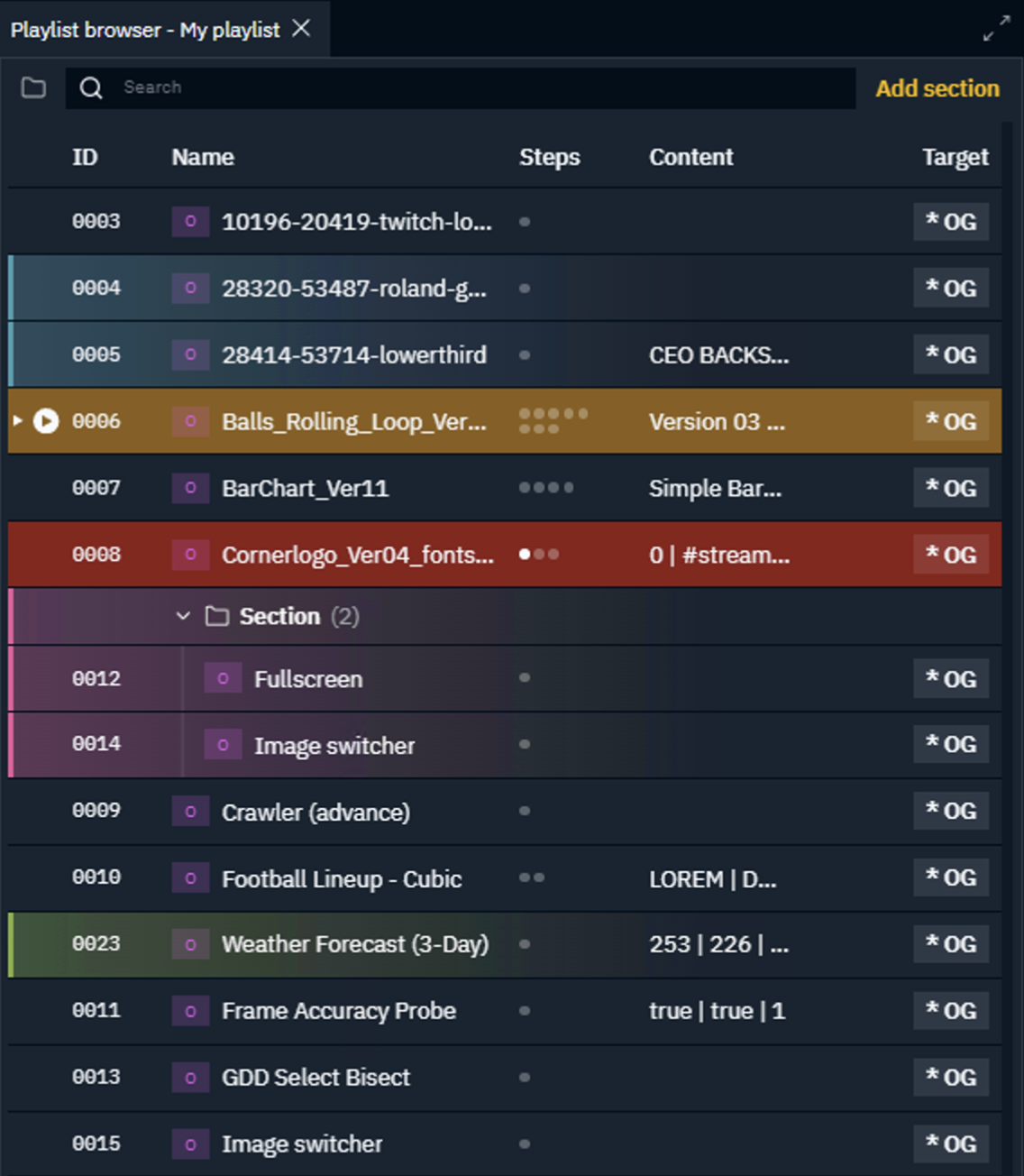
Shows the ordered list of instances/sections ready to be previewed and taken to air.
Learn more about how to populate a playlist
Learn more about how to find, preview and take instances to air
Preview
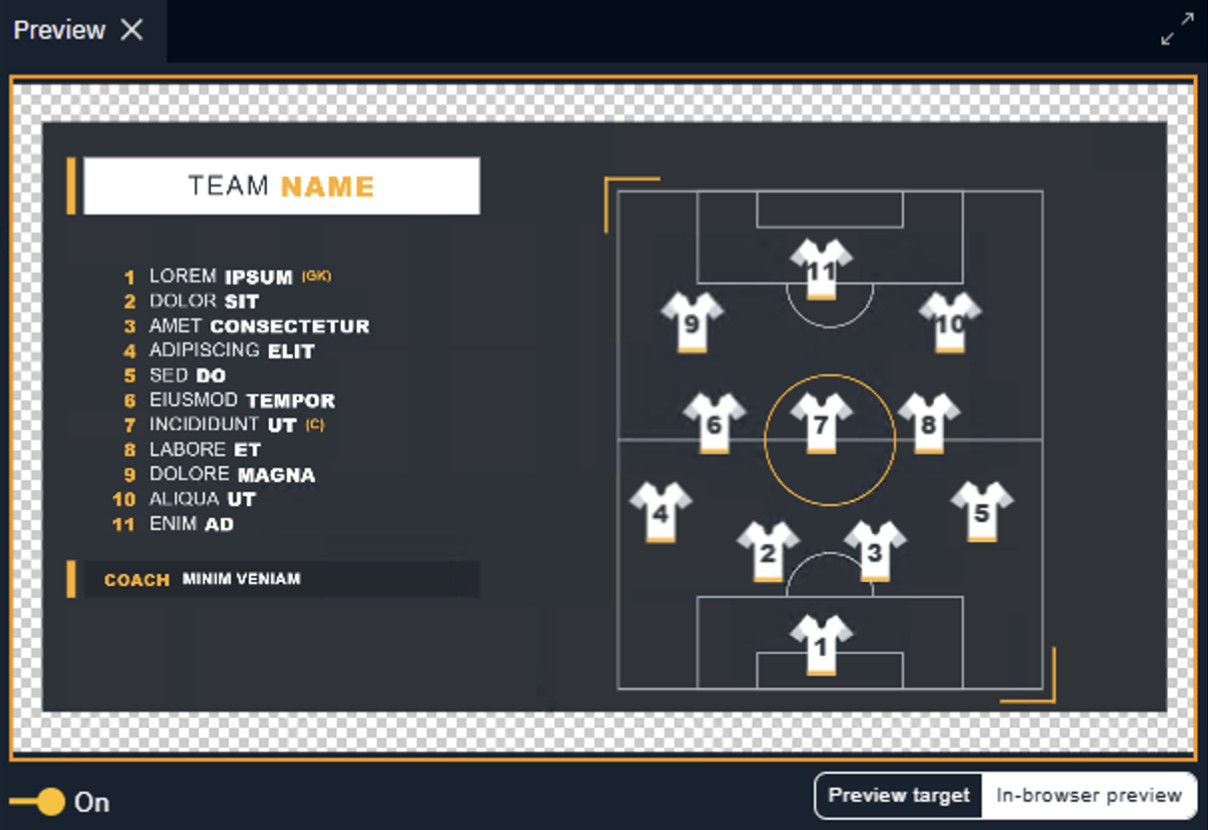
Shows the preview of the selected instance.
Property browser
Template browser
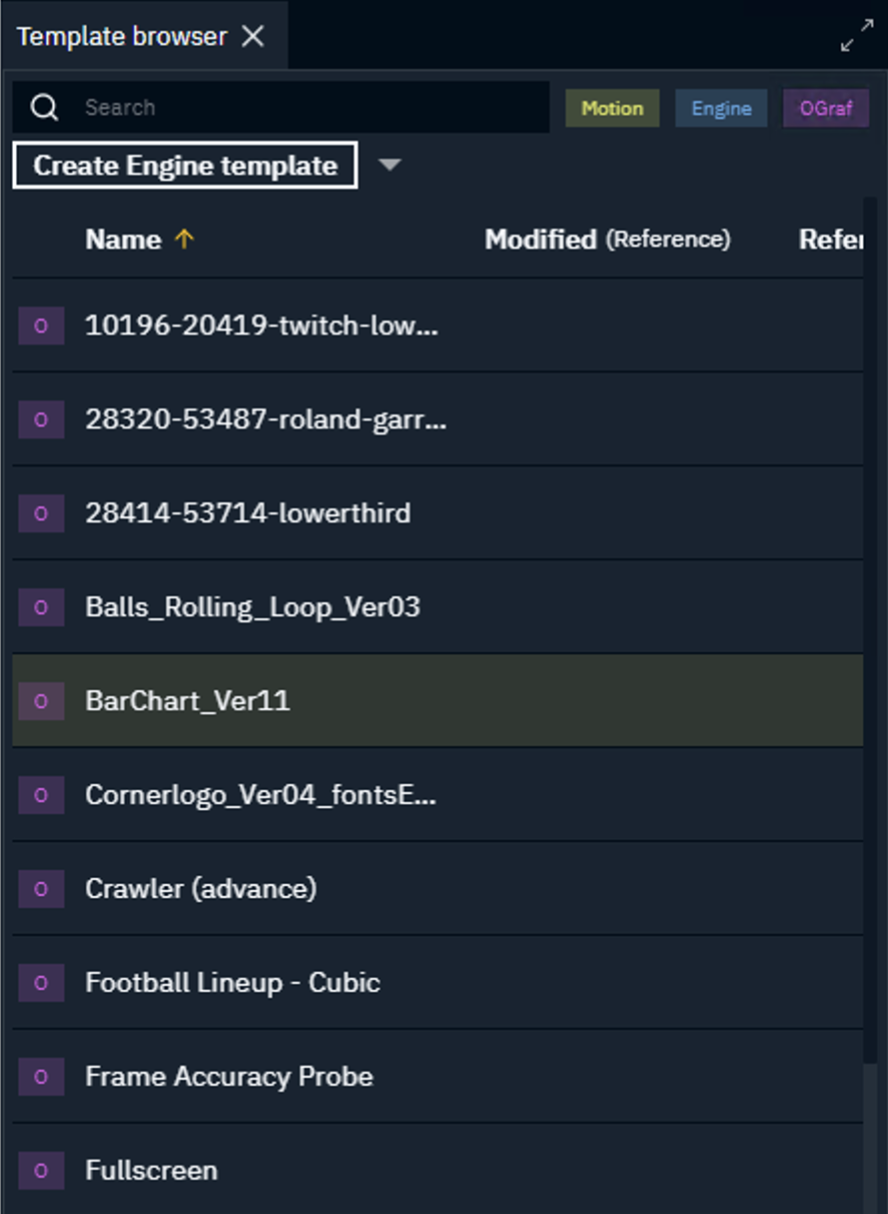
Shows a search- and filterable list of available templates.
Learn more about how to Create a template
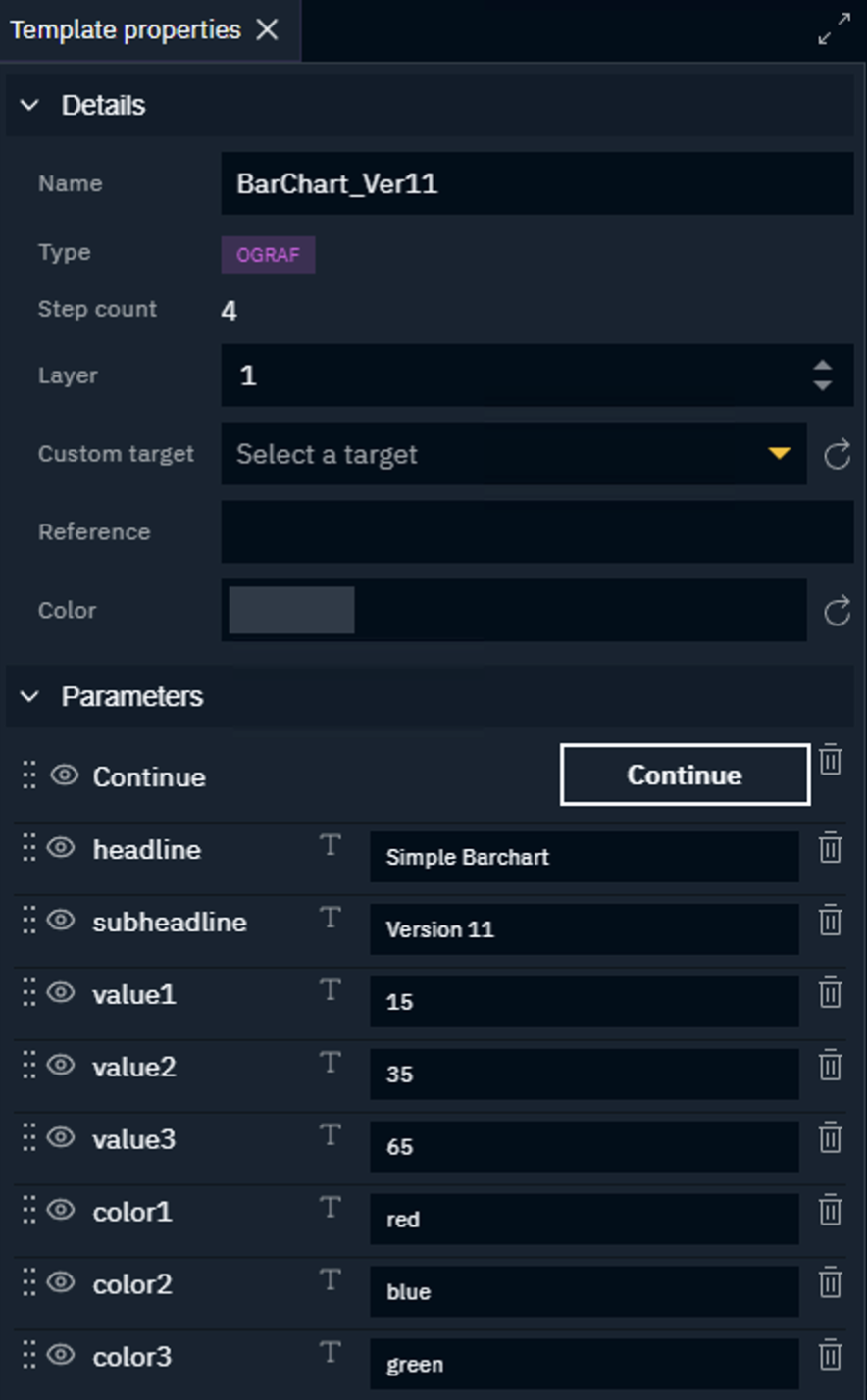
Template properties
Web page
Allows to embed any web page.