
A holdout object prevents any 3D object from occluding the video backplate in the region where it is placed. The object itself is not rendered.
-
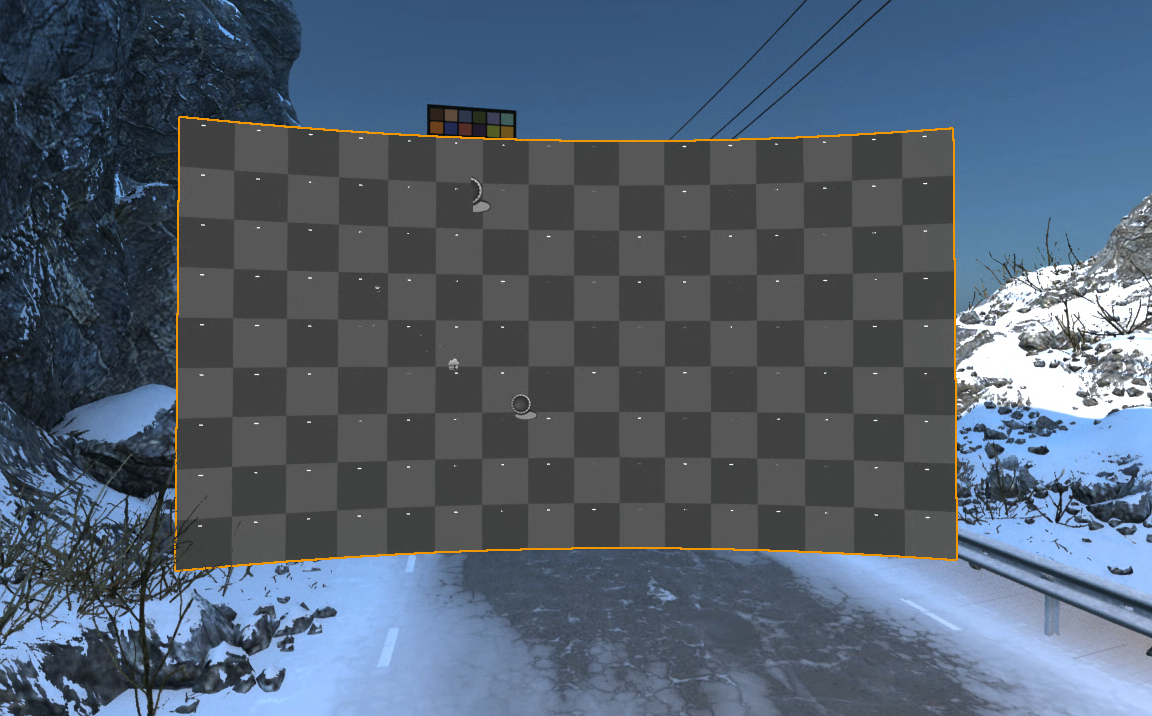
An XR holdout is automatically created per body
-
see the orange border in the above image
-
-
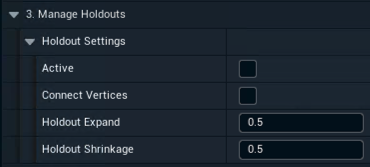
Enable it and change the holdout settings in 3. Manage Holdouts
-
Connect Vertices connects vertices to solve potential gaps
-
Holdout Expand expands each XR wall element before creating the holdout
-
Holdout Shrinkage shrinks the created holdout
-
-
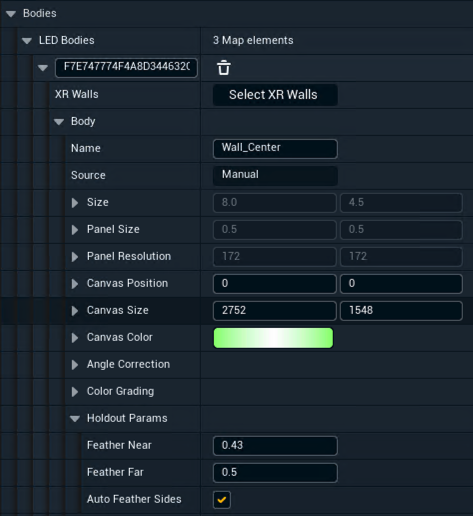
Optionally change the feathering using the Holdout Params per body
XR holdouts are not taking effect when XR is enabled.
Learn more about how to Set up a virtual set extension with translucent holdouts