
With Pixel Streaming you can stream the
-
Engine viewport
-
Editor
to any machine in the network.
This stream is interactive allowing you to use the Editor from any browser in the same network.
Enable streaming
-
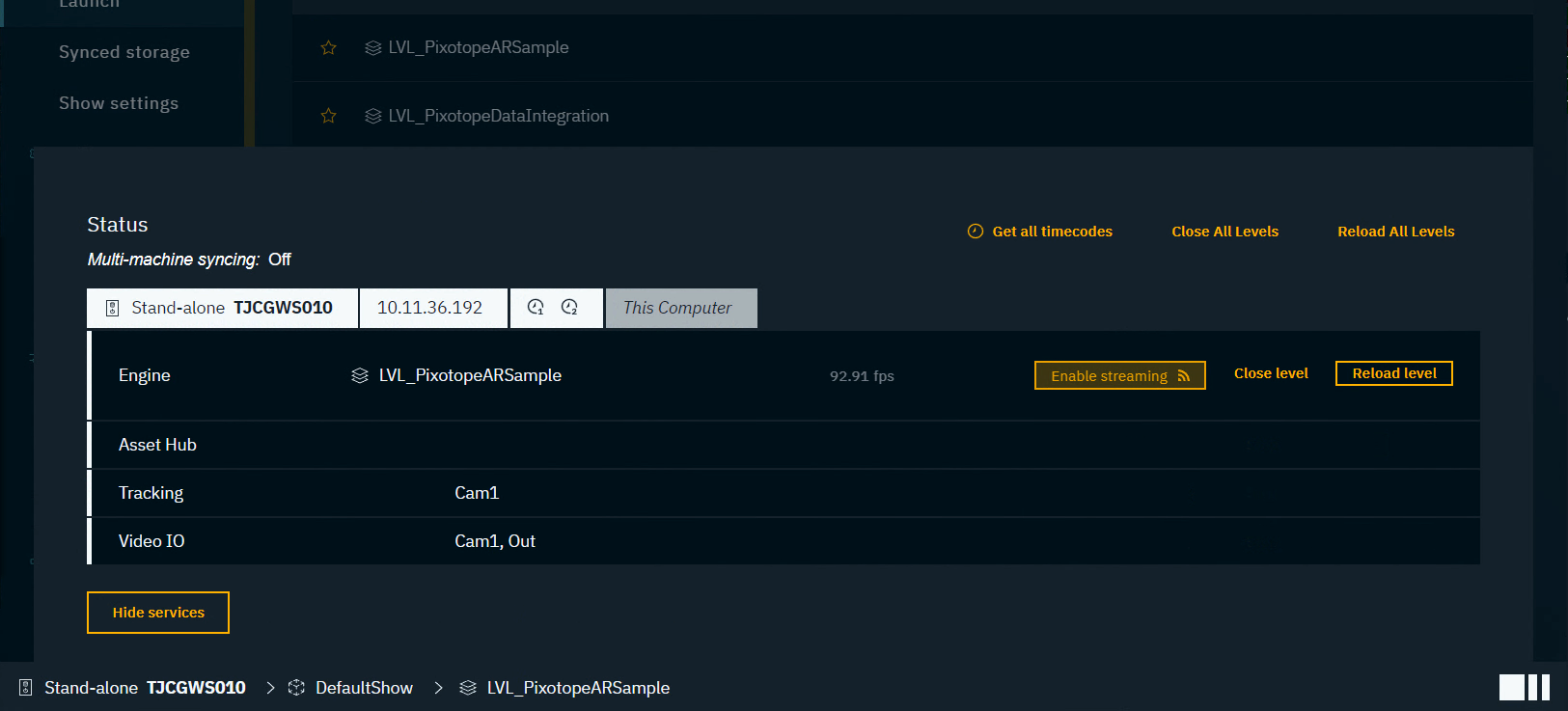
Open the Status panel by clicking on the Status bar
-
Click on "Enable streaming" for the level of the machine which should be streamed - the stream is started
-
Works for Launch LIVE and Launch in EDITOR
-
-
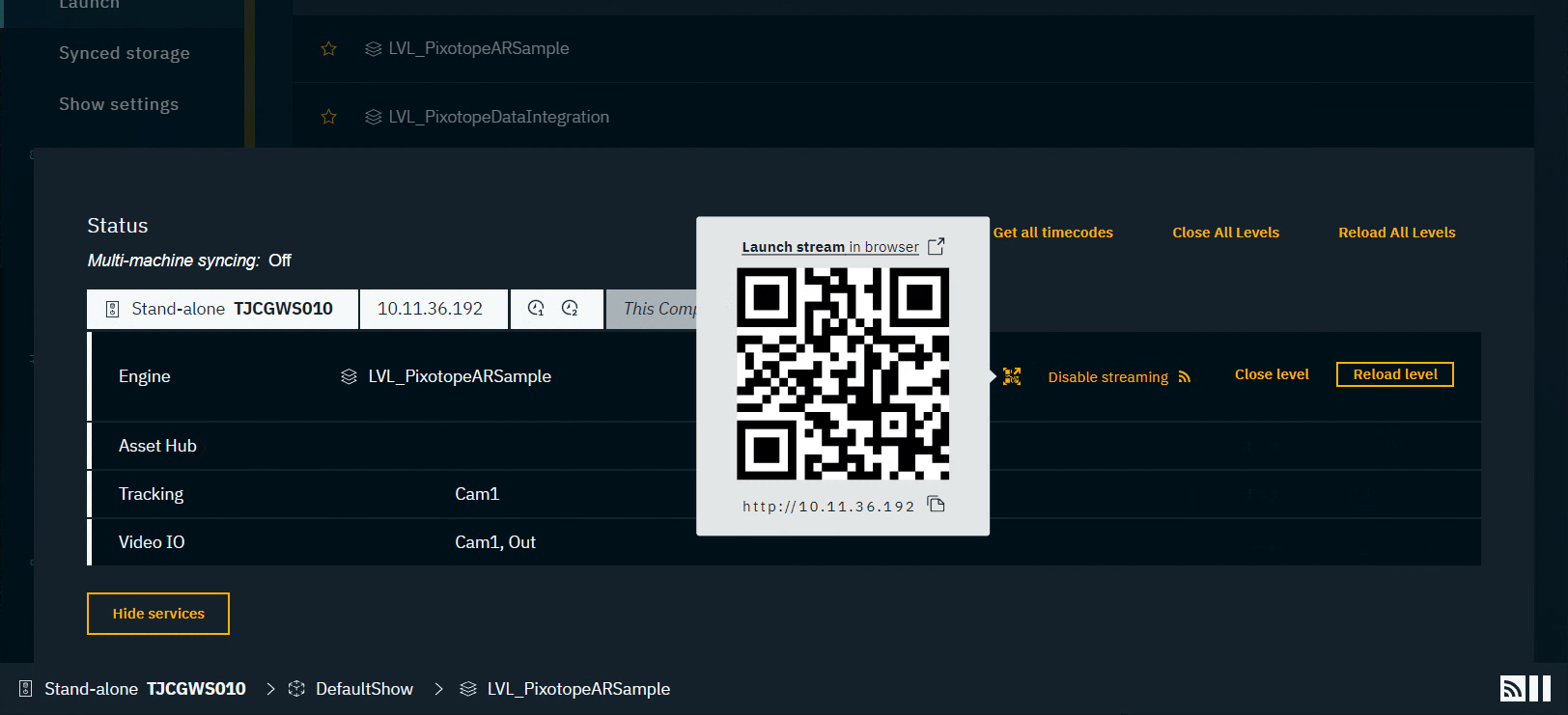
A stream icon for the respective level/engine/machine is shown in the Status bar

-
Click on the QR code icon and then on "Launch stream in browser" or use the QR code or its IP address
-
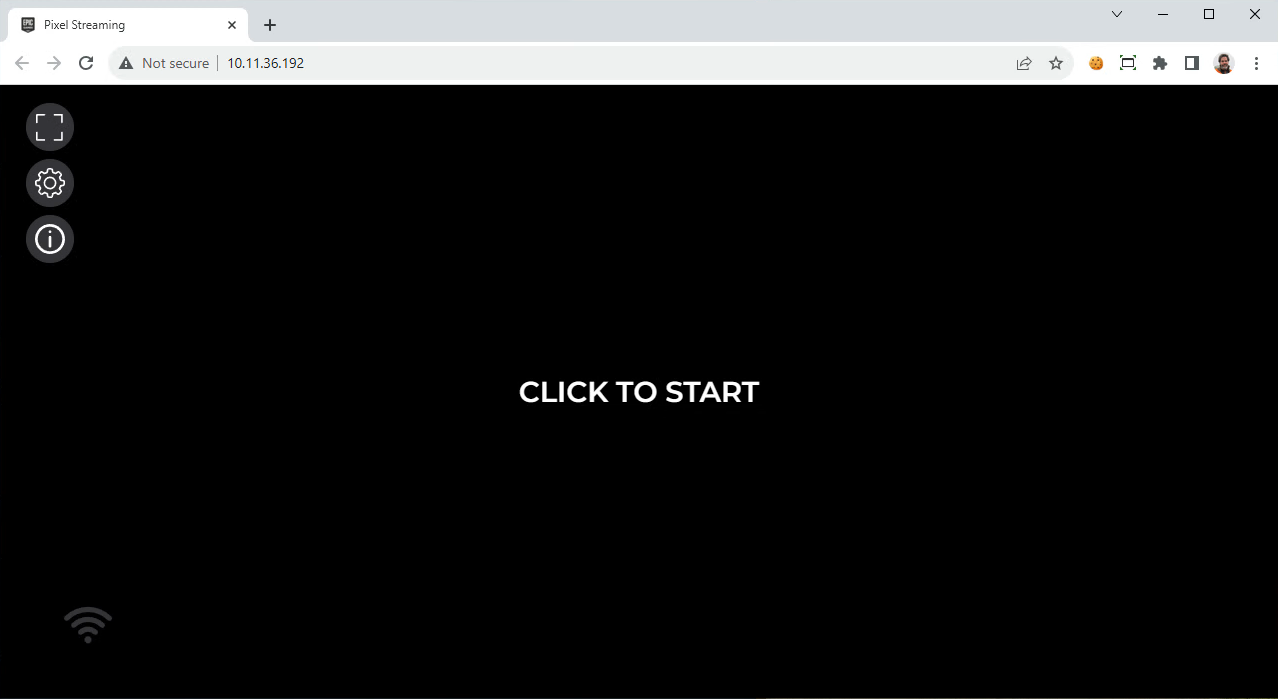
Click "Click to start" to start the stream in the browser
-
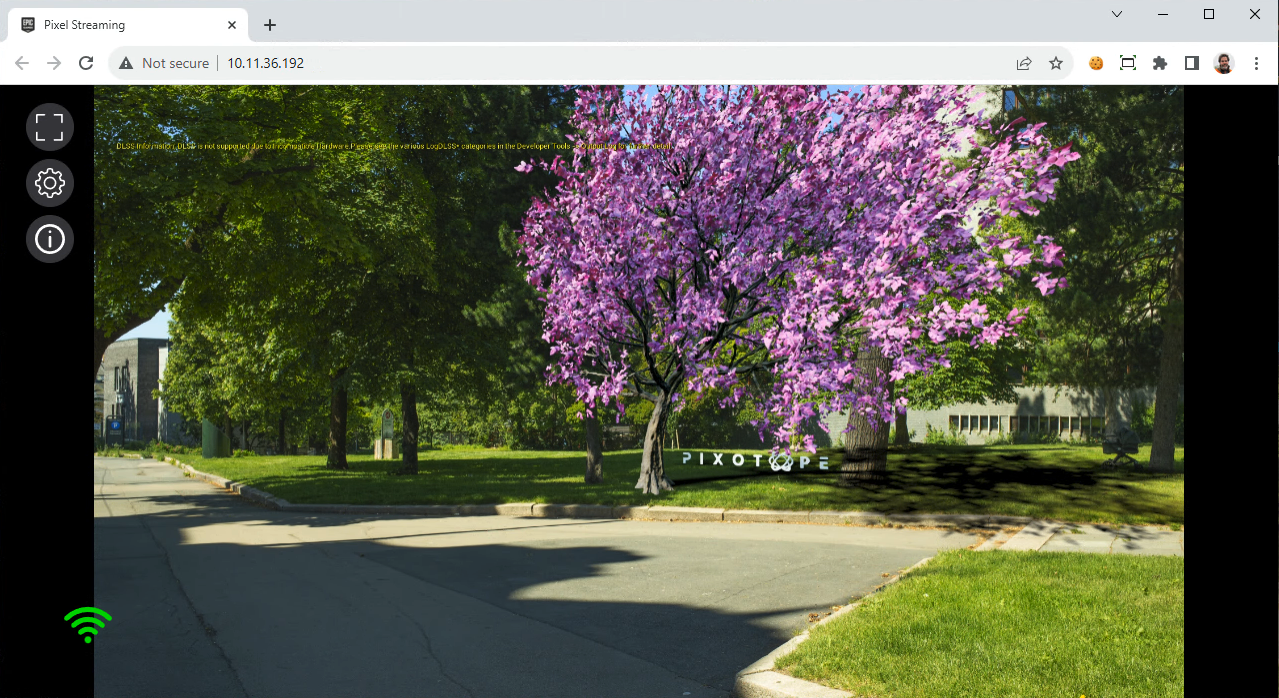
The stream is now shown in the tab
For Pixel Stream settings and more information please check Epic’s documentation - https://docs.unrealengine.com/5.3/en-US/pixel-streaming-in-unreal-engine/
Disable streaming
-
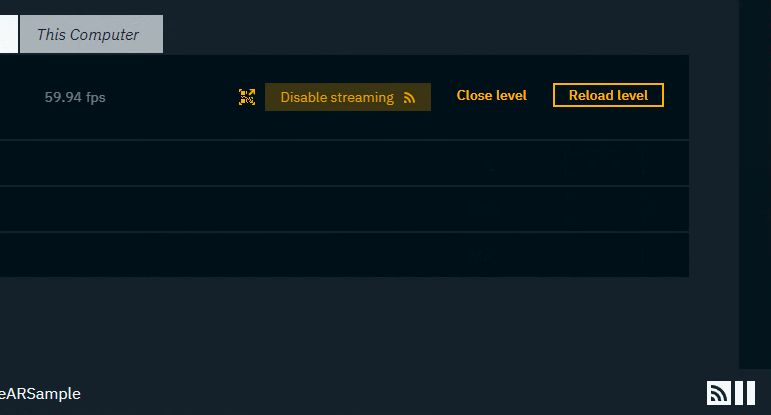
Click on "Disable streaming"
Closing the tab or the level does not disable Pixel Streaming.