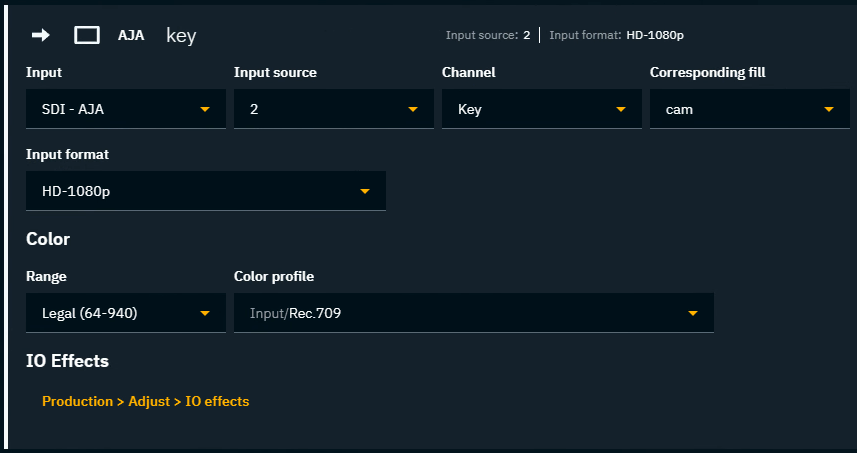
This is how you configure the input routing if you are using an external keyer.
If using the internal keyer checkout Use the video keyer
Setup external keyer inputs
-
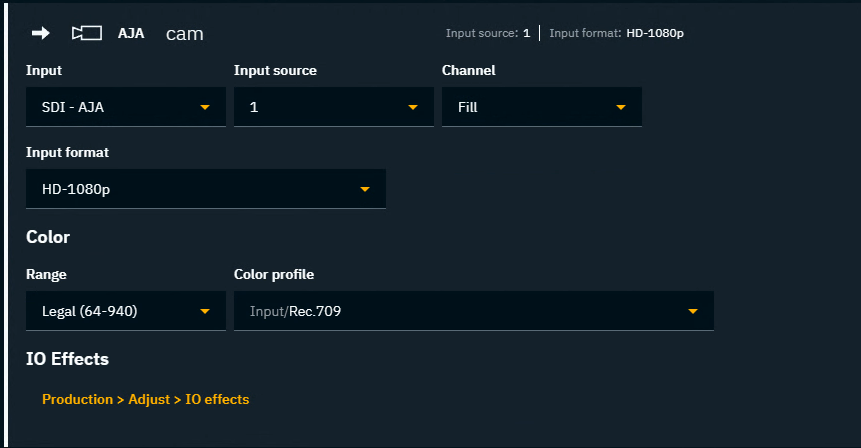
Add a camera system - Learn more about how to Configure routing
-
Set the Channel to "Fill"
-
Add a media input - this will be your Key input
-
Set the Channel to "Key"
-
Set the Corresponding fill to the above camera system