
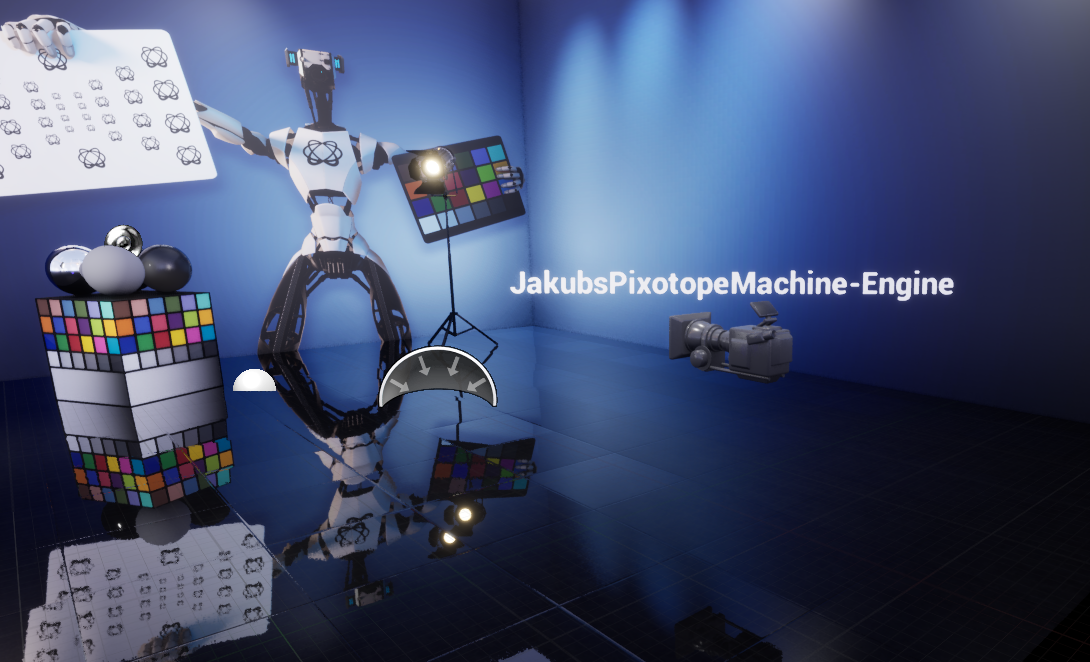
When working in the Editor, Network Preview shows you the position of all other cameras in the network.
This can help to understand the spatial relations between multiple cameras and the virtual environment.
Configuration
Go to "Preview" in Pixotope World Settings > General
These settings are enabled by default.
-
Send Camera Preview - whether this Engine should broadcast its camera position to other machines
-
Show All Cameras - whether to display other cameras in this Editor viewport