
External compositing is a legacy compositing mode which allows you to do the compositing downstream.
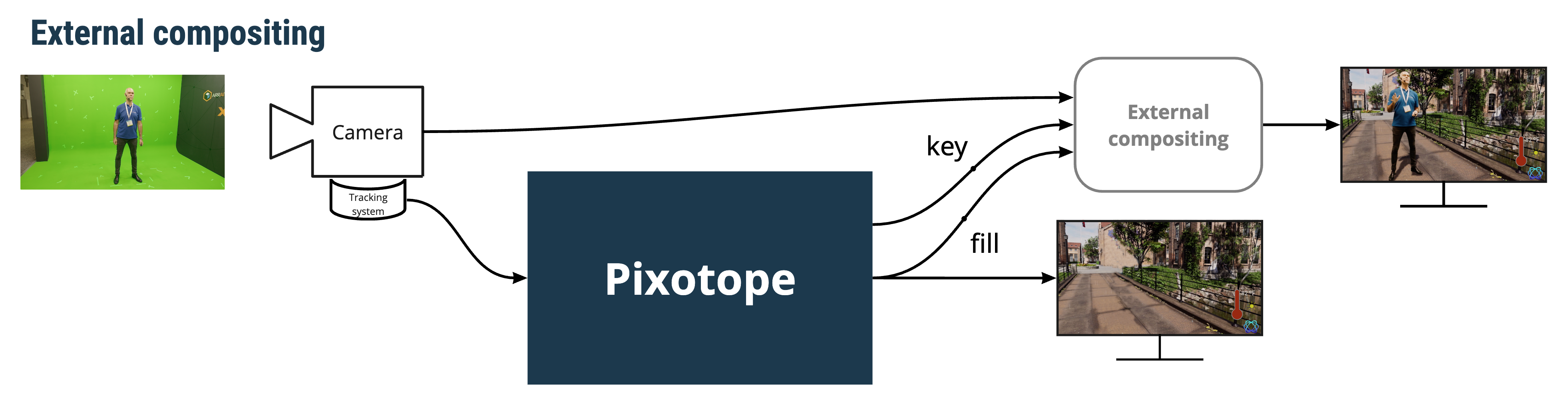
Learn more about the different Compositing modes
Looking for how to Configure using an external keyer
Setting up external compositing for AR
In Director
-
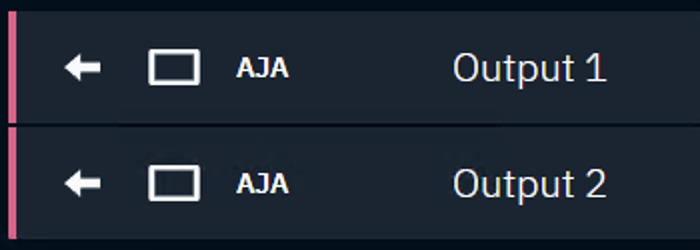
Add 2 Media outputs in the routing panel
-
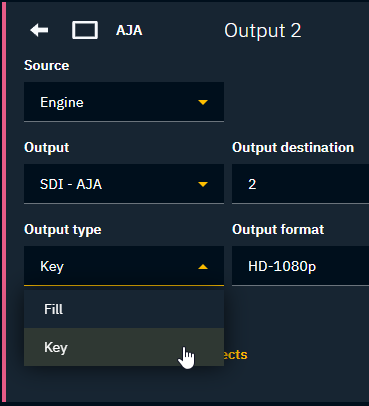
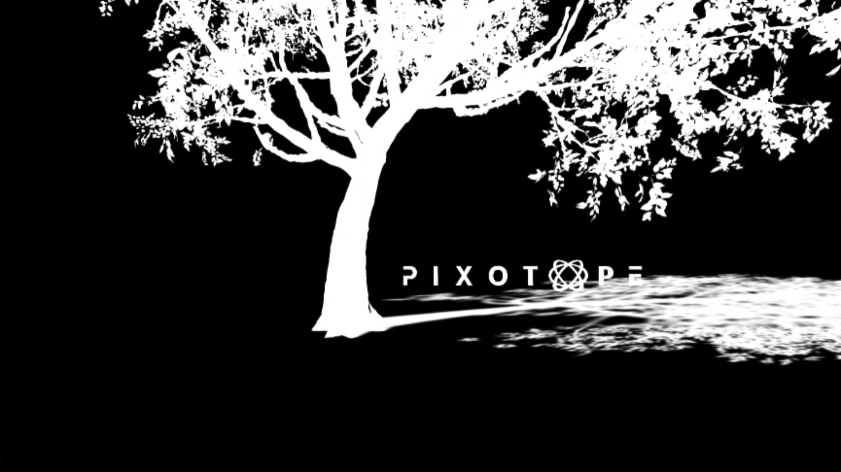
Change the Output type of the 2nd output to "Key"

|
|
Make sure to not have separate Video Outputs set up! Using External compositing together with General > Video Outputs can bring unexpected results.
Setting up external compositing for VS
In Director
-
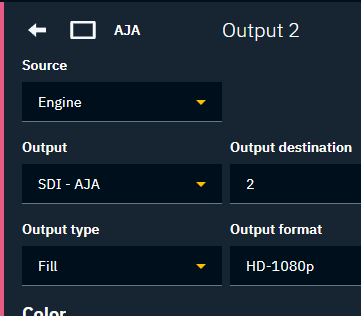
Add 2 Media outputs in the routing panel
-
Keep both Output types to be "Fill" even though Output2 will be used as Key
In Editor
-
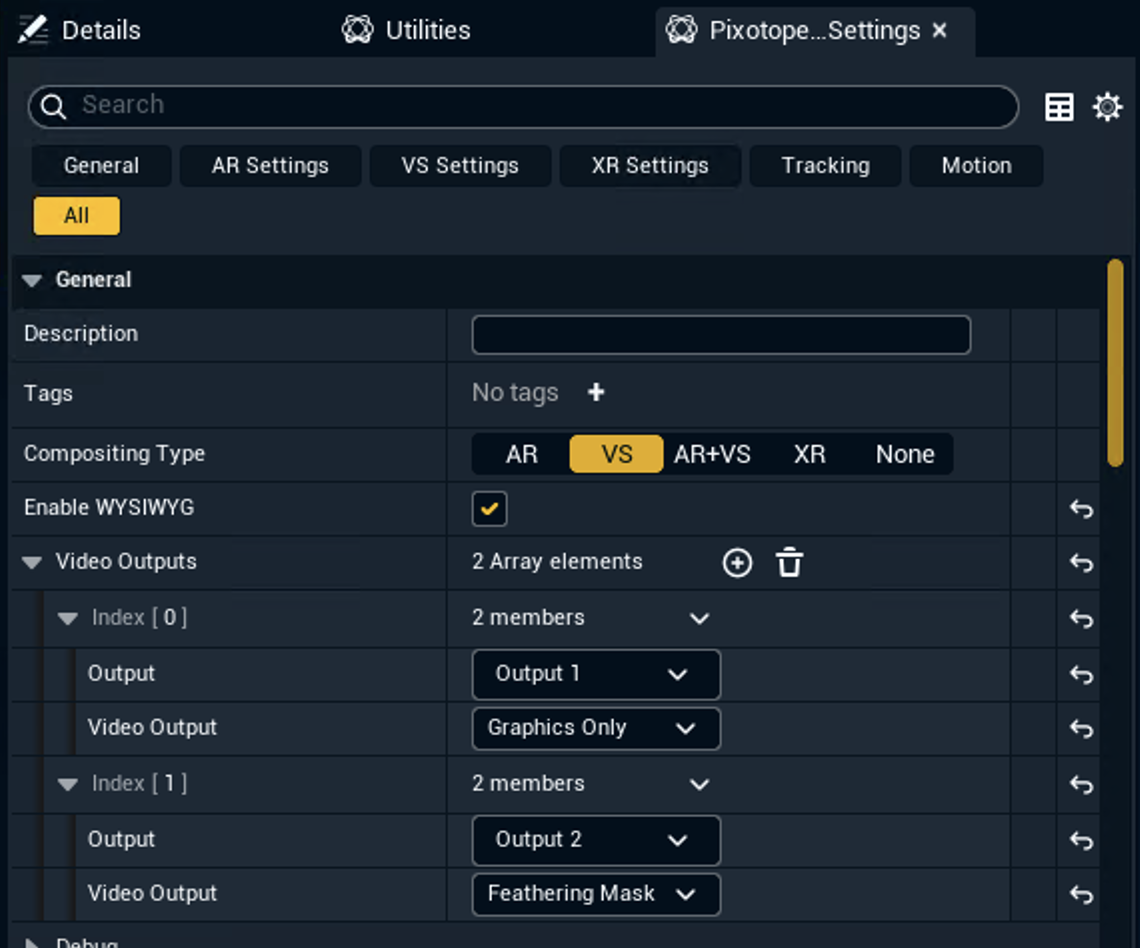
Open Pixotope World Settings
-
Add two Video Outputs
-
Set the
-
first one to use
-
Output 1
-
Graphics Only
-
-
first one to use
-
Output 2
-
Feathering Mask
-
-
-
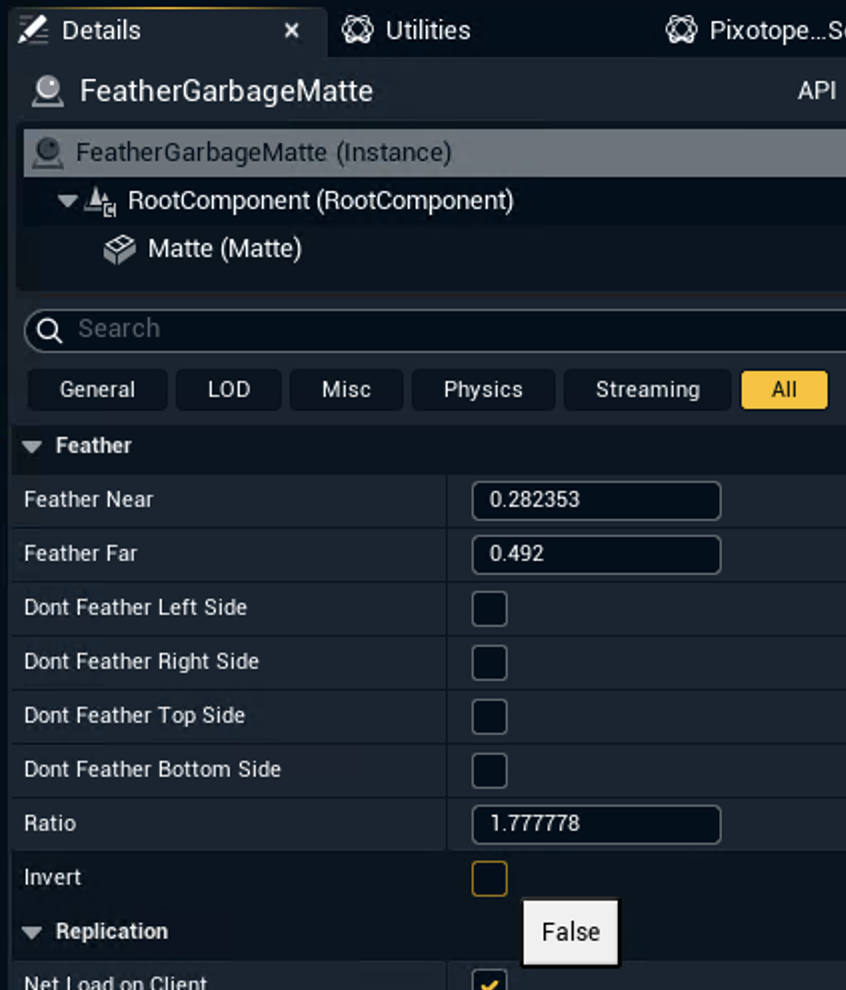
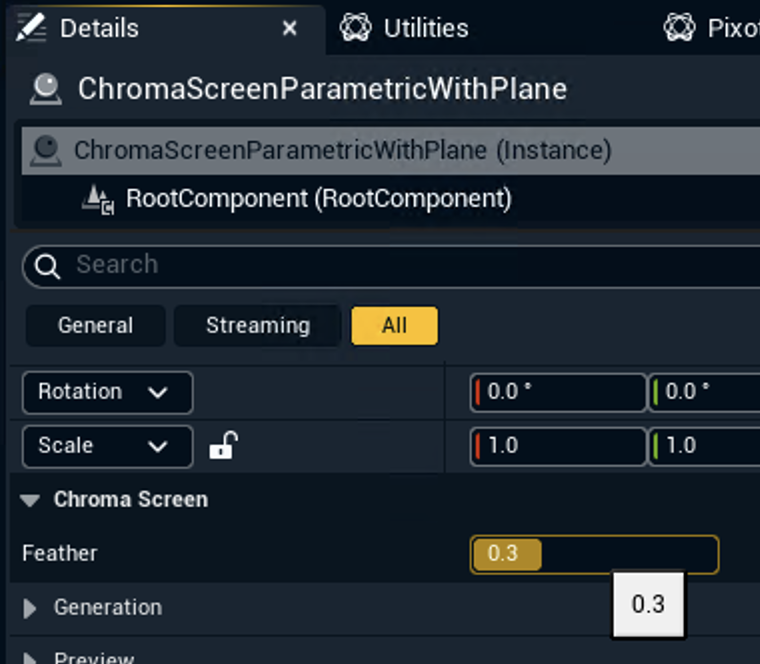
Add masking actors and adjust their feather options
-
FeatherGarbageMatte
-
can be combined using the Invert option
-
-
ChromaScreenParametricWithPlane
-