This is an advanced feature. Use with caution!
Make a backup of your show file before changing show file parameters through the control panel! Also check Automatic backups
Read or set a show file property
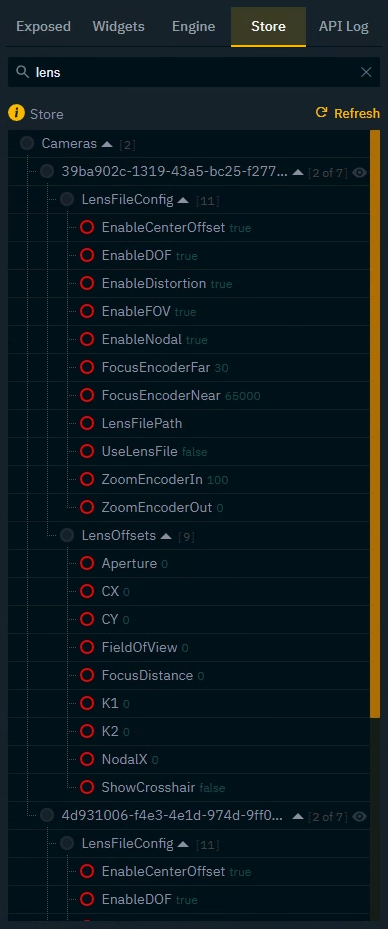
Using the Store tab you can control all properties of the current show file.
-
Go to the Store tab
-
Search for the parameter you would like to read/set
-
Click and drag the red circle onto the canvas
The properties are alphabetically sorted and grouped based on the State of the Store service.
Learn more about the Store API - State and its allowed values and property types