
What are you planning to do?
Need inspiration? See what Pixotope has made possible → pixotope.com
Or check out our example projects.
Augmented Reality production
-
Create your foreground 3D graphics
-
Set up camera tracking
-
Capture your backplate video
-
Use Pixotope to merge them together
Learn more about how to Set up an AR level
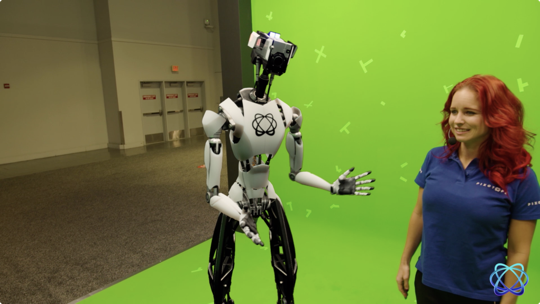
Virtual studio production
-
Create your background 3D graphics/virtual studio
-
Set up camera tracking
-
Capture your talent in front of a green screen
-
Use Pixotope to merge them together
Learn more about how to Set up a VS level
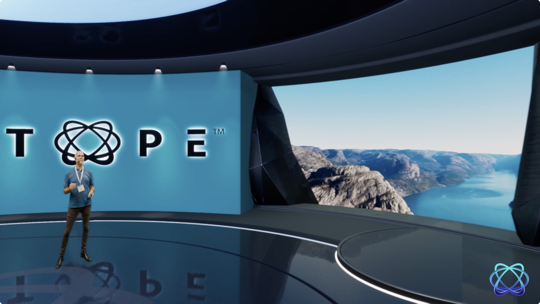
XR production (virtual window)
-
Create your 3D graphics/set extension
-
Place your video wall/TV in your studio
-
Set up camera tracking
-
Use Pixotope to output to the video wall
Learn more about how to Set up an XR level (virtual window) and how to Set up a virtual set extension with translucent holdouts
A combination of everything
-
Create your background and foreground 3D graphics
-
Build your corresponding studio including the green screen area
-
Set up camera tracking
-
Capture your talent in the studio
-
Use Pixotope to merge them together
Learn more about how to Set up an AR+VS level
How many cameras are you planning to use?
For every camera you are using, you need:
-
1 machine
-
1 Pixotope AR/VS, XR license
Check which license type fits your needs: License types - AR/VS, XR, Control, Artist and more
Plan your Pixotope single- or multi-machine setup: Single- and multi-machine example setups.
Go through an example virtual production
Continue to Manage users and licenses