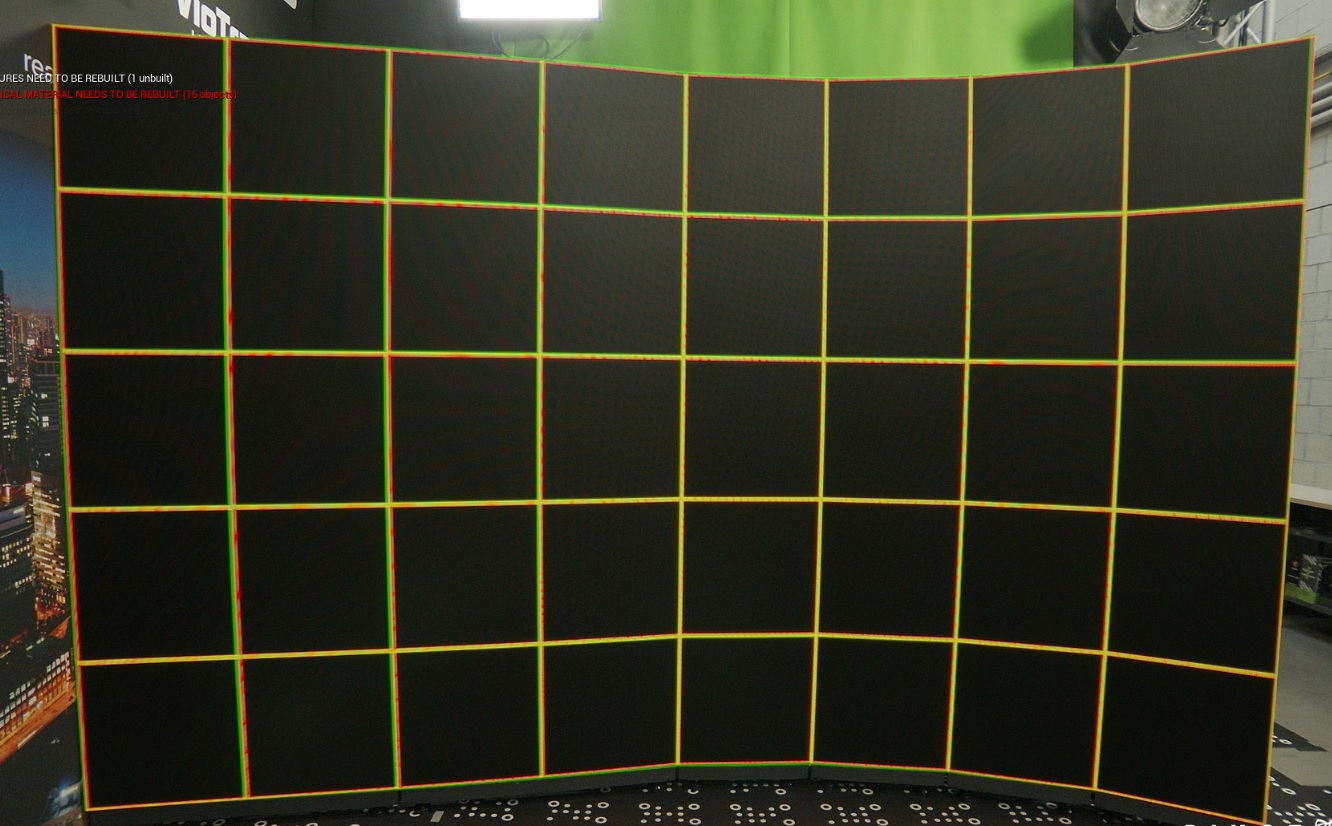
To check how accurate your Digital Twin is using an AR machine
-
Expand Display Mode in the Digital Twin Details
-
Choose "Calibrate" for the XR Wall Texture
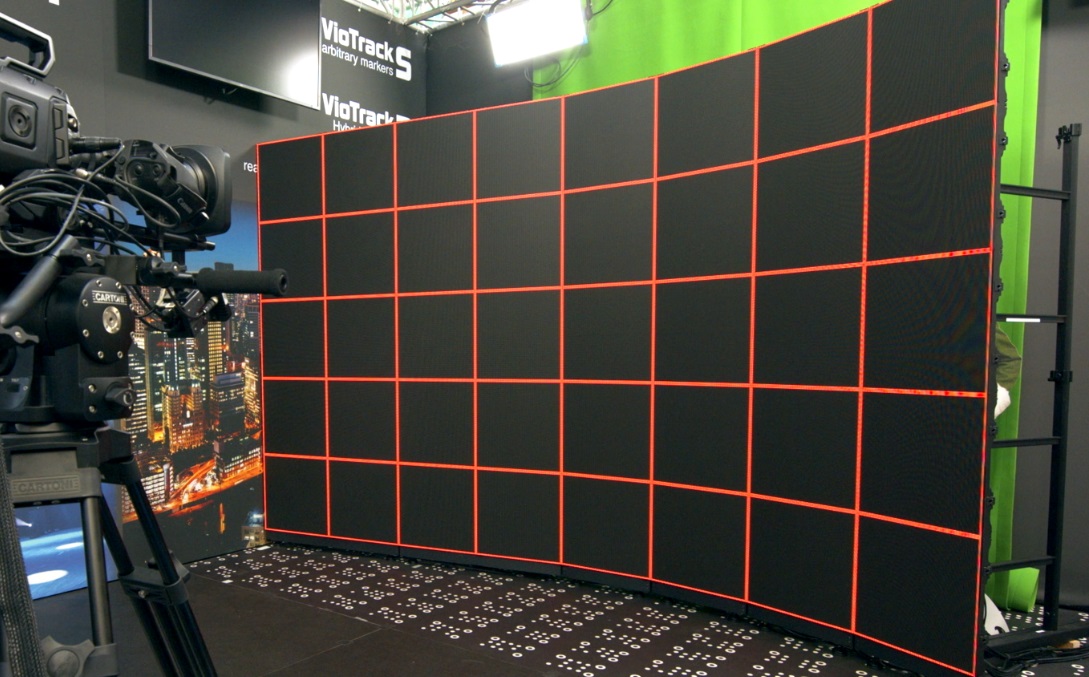
On all XR machines: XR walls are output with red edges:
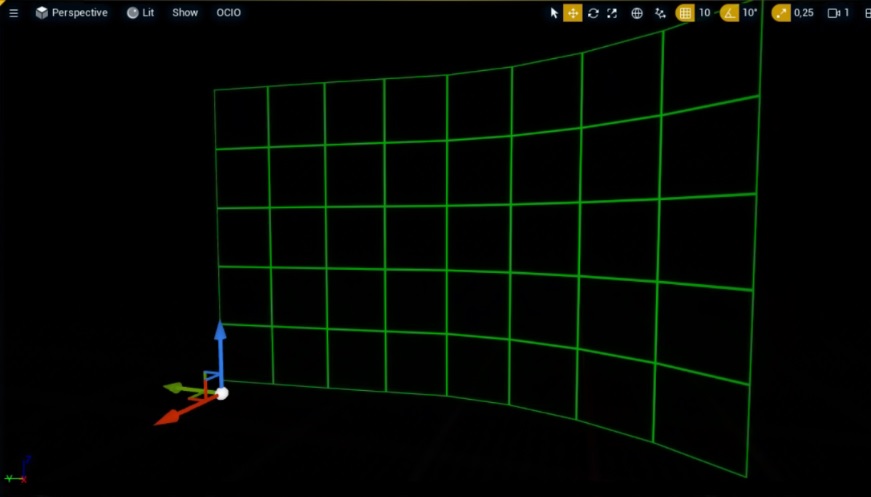
On the AR machine: XR walls are output with green edges:
When in calibration mode on the AR machine, and if you are using a SkyAtmosphere actor, you will need to disable the visibility of that actor on the AR machine due to compositing challenges with this specific actor.
When the wall is perfectly calibrated, the lines should overlap and appear yellow: