
A holdout object prevents any 3D object from occluding the video backplate in the region where it is placed. The object itself is not rendered.
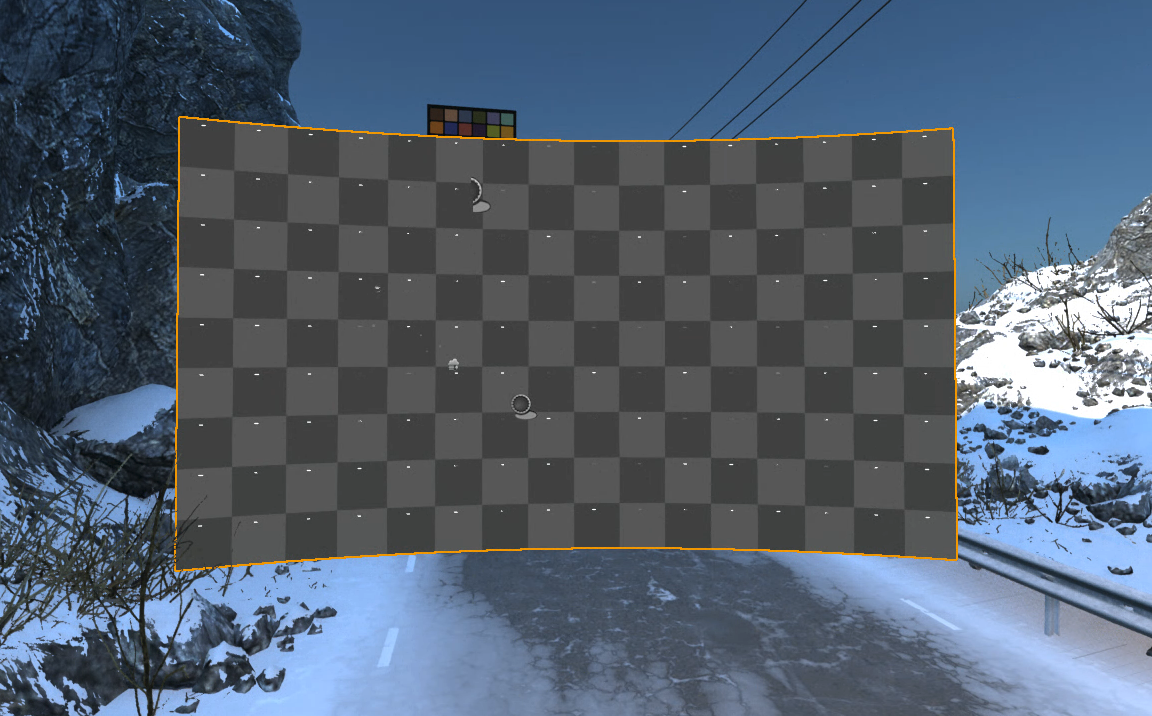
-
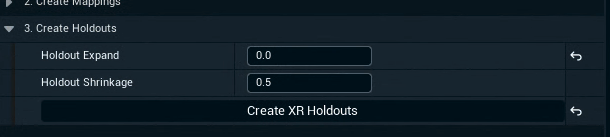
Optionally change the holdout settings:
-
Holdout Expand expands each XR wall element before creating the holdout
-
Holdout Shrinkage shrinks the created holdout
-
-
Click "Create XR Holdouts" in 3. Create Holdouts to create translucent holdouts for all LED Bodies
-
Alternatively you can also create the holdouts individually per body
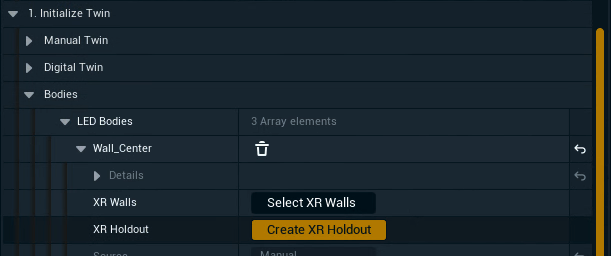
-
-
Optionally change the feathering on the individual holdouts if needed
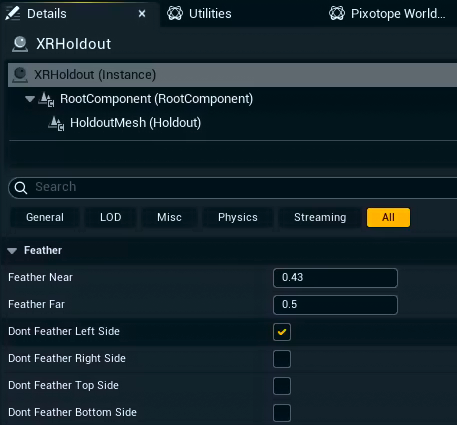
XR holdouts are not rendered when XR is enabled
Learn more about how to Set up a virtual set extension with translucent holdouts
Learn more about how to set up and Playback 2D media on the LED wall